Model Context Protocol
独学書
| Text | Date | Status |
|---|---|---|
| MCP入門 | 2026/01/18 | 第10章 MCPエージェントを作る finished |
| Calude CodeによるAI駆動開発入門 | not started | |
| MCPサーバー開発大全 | not started | |
| MCP&A2Aプログラミング入門 | not started |
環境
| Machine | Env / FW | Last Updated |
|---|---|---|
| Windows Insider | Python 3.14.2 | 2025/12/12 |
| uv 0.9.17 | 2025/12/14 | |
| fastmcp 2.14.3 | 2026/01/17 | |
| inspector 0.18.0 | 2026/01/02 | |
| mcp-remote 0.1.31 | 2025/12/16 | |
| mcp-proxy 0.10.0 | 2025/12/15 | |
| openai 2.15.0 | 2026/01/17 |
ノウハウ
MCP入門
- ソースコード
-
進捗
Contents Finished 第1章 MCPを30分で体験する 2025/12/13 第3章 最初のMCPサーバを作る 2025/12/14 第5章 MCPをもっと便利に使う2つの通信方式 2025/12/16 第6章 データベース連携サーバ 2025/12/23 第7章 外部API連携サーバ 2026/01/02 第8章 汎用MCPツール群を作る 2026/01/17 第9章 MCPホストを自作する 2026/01/17 第10章 MCPエージェントを作る 2026/01/18 - Claude Desktopの設定
- 「ファイル」ー「設定」メニューから設定画面を開く
- 設定画面の「設定」ー「開発者」タブの「設定を編集」から行う
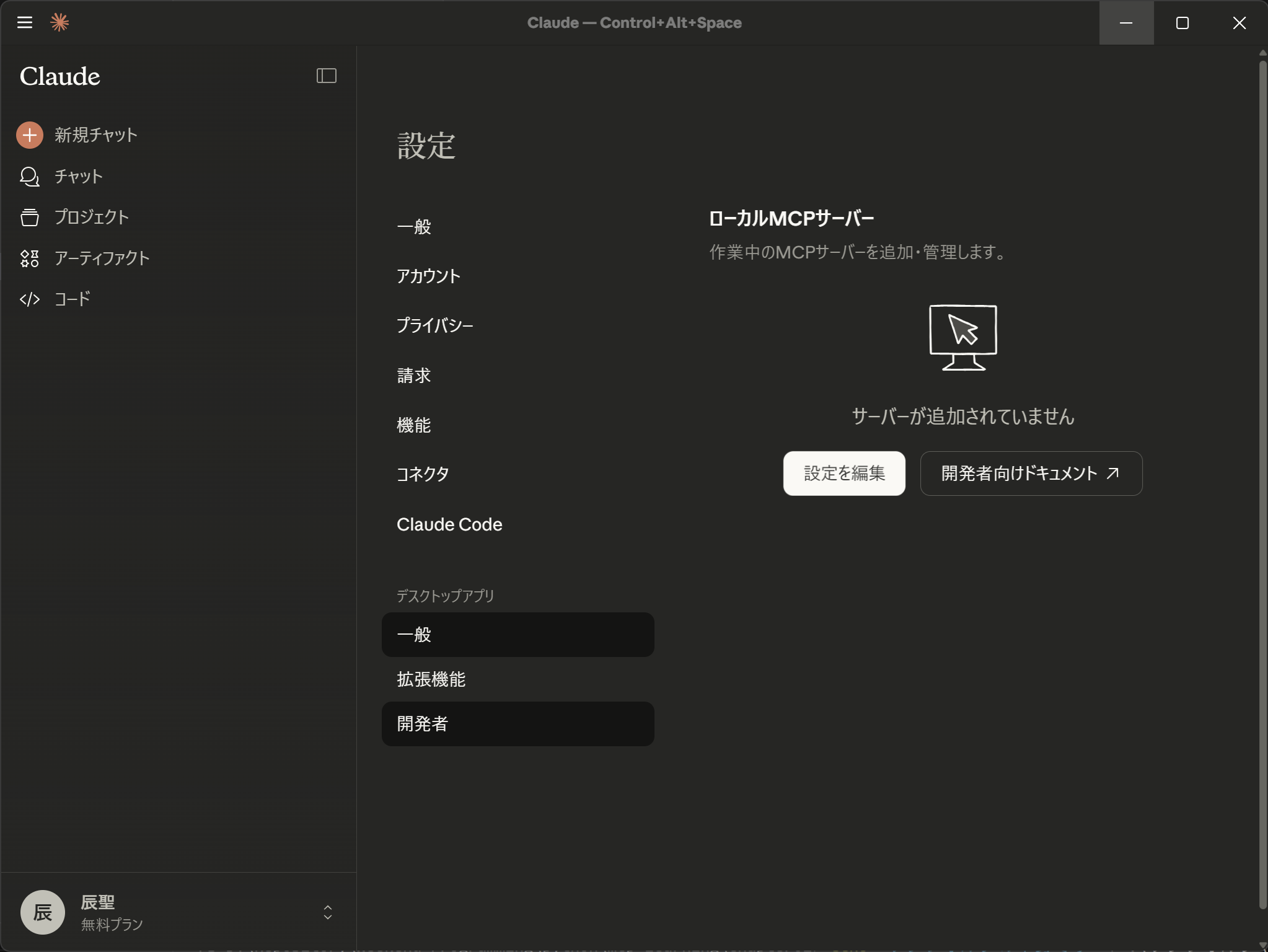
- 設定を反映するために、システムトレイに常駐するClaude Desktopを終了し、再起動する
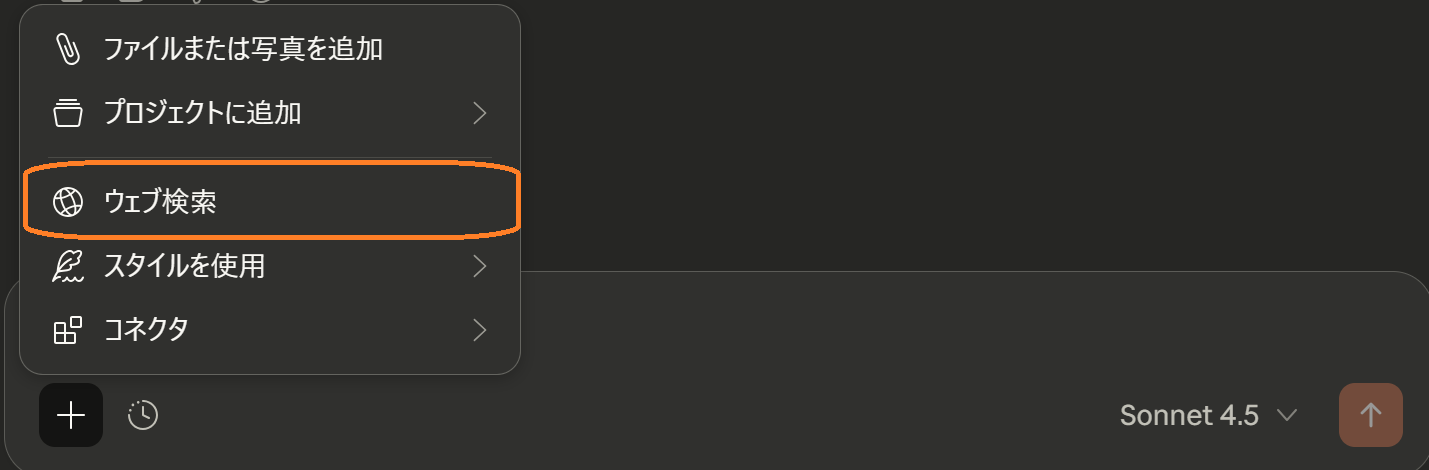
- Web検索の無効化
- MCPサーバの作成(fastmcp)
uv add fastmcpfastmcp 追加ログ
Using CPython 3.14.2 interpreter at: C:\Users\taish\AppData\Local\Programs\Python\Python314\python.exe Creating virtual environment at: .venv Resolved 88 packages in 773ms Prepared 85 packages in 2.48s ░░░░░░░░░░░░░░░░░░░░ [0/85] Installing wheels... warning: Failed to hardlink files; falling back to full copy. This may lead to degraded performance. If the cache and target directories are on different filesystems, hardlinking may not be supported. If this is intentional, set `export UV_LINK_MODE=copy` or use `--link-mode=copy` to suppress this warning. Installed 85 packages in 1.00s + annotated-types==0.7.0 + anyio==4.12.0 + attrs==25.4.0 + authlib==1.6.6 + beartype==0.22.9 + cachetools==6.2.3 + certifi==2025.11.12 + cffi==2.0.0 + charset-normalizer==3.4.4 + click==8.3.1 + cloudpickle==3.1.2 + colorama==0.4.6 + cryptography==46.0.3 + cyclopts==4.3.0 + diskcache==5.6.3 + dnspython==2.8.0 + docstring-parser==0.17.0 + docutils==0.22.3 + email-validator==2.3.0 + exceptiongroup==1.3.1 + fakeredis==2.32.1 + fastmcp==2.14.0 + h11==0.16.0 + httpcore==1.0.9 + httpx==0.28.1 + httpx-sse==0.4.3 + idna==3.11 + importlib-metadata==8.7.0 + jaraco-classes==3.4.0 + jaraco-context==6.0.1 + jaraco-functools==4.3.0 + jsonschema==4.25.1 + jsonschema-path==0.3.4 + jsonschema-specifications==2025.9.1 + keyring==25.7.0 + lupa==2.6 + markdown-it-py==4.0.0 + mcp==1.24.0 + mdurl==0.1.2 + more-itertools==10.8.0 + openapi-pydantic==0.5.1 + opentelemetry-api==1.39.1 + opentelemetry-exporter-prometheus==0.60b1 + opentelemetry-instrumentation==0.60b1 + opentelemetry-sdk==1.39.1 + opentelemetry-semantic-conventions==0.60b1 + packaging==25.0 + pathable==0.4.4 + pathvalidate==3.3.1 + platformdirs==4.5.1 + prometheus-client==0.23.1 + py-key-value-aio==0.3.0 + py-key-value-shared==0.3.0 + pycparser==2.23 + pydantic==2.12.5 + pydantic-core==2.41.5 + pydantic-settings==2.12.0 + pydocket==0.15.5 + pygments==2.19.2 + pyjwt==2.10.1 + pyperclip==1.11.0 + python-dotenv==1.2.1 + python-json-logger==4.0.0 + python-multipart==0.0.20 + pywin32==311 + pywin32-ctypes==0.2.3 + pyyaml==6.0.3 + redis==7.1.0 + referencing==0.36.2 + requests==2.32.5 + rich==14.2.0 + rich-rst==1.3.2 + rpds-py==0.30.0 + shellingham==1.5.4 + sortedcontainers==2.4.0 + sse-starlette==3.0.3 + starlette==0.50.0 + typer==0.20.0 + typing-extensions==4.15.0 + typing-inspection==0.4.2 + urllib3==2.6.2 + uvicorn==0.38.0 + websockets==15.0.1 + wrapt==1.17.3 + zipp==3.23.0 - MCPサーバの検証(inspector)
npx @modelcontextprotocol/inspector uv run python <filename>- 初期画面(localhost:6277でサーバが起動した後、自動でブラウザが起動)
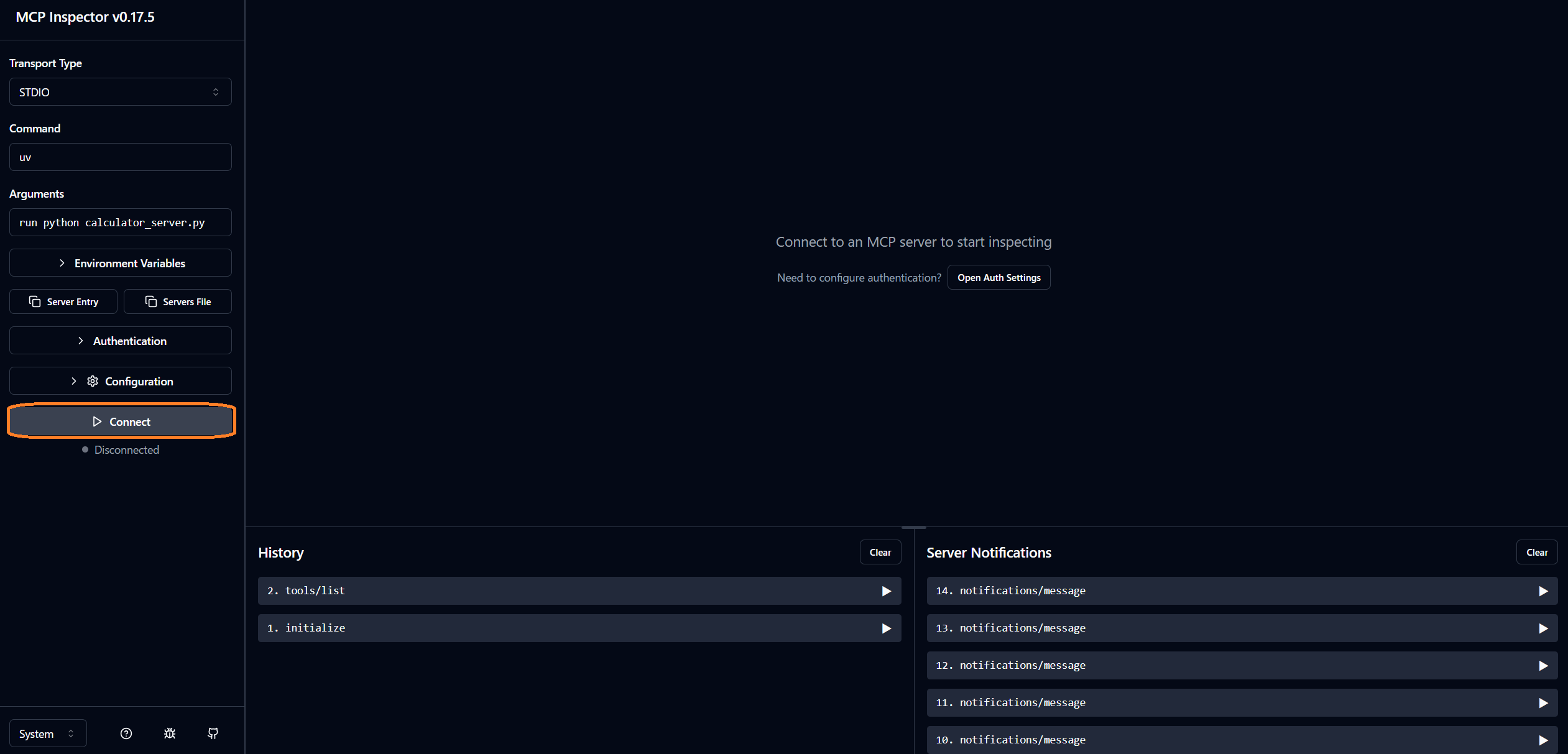
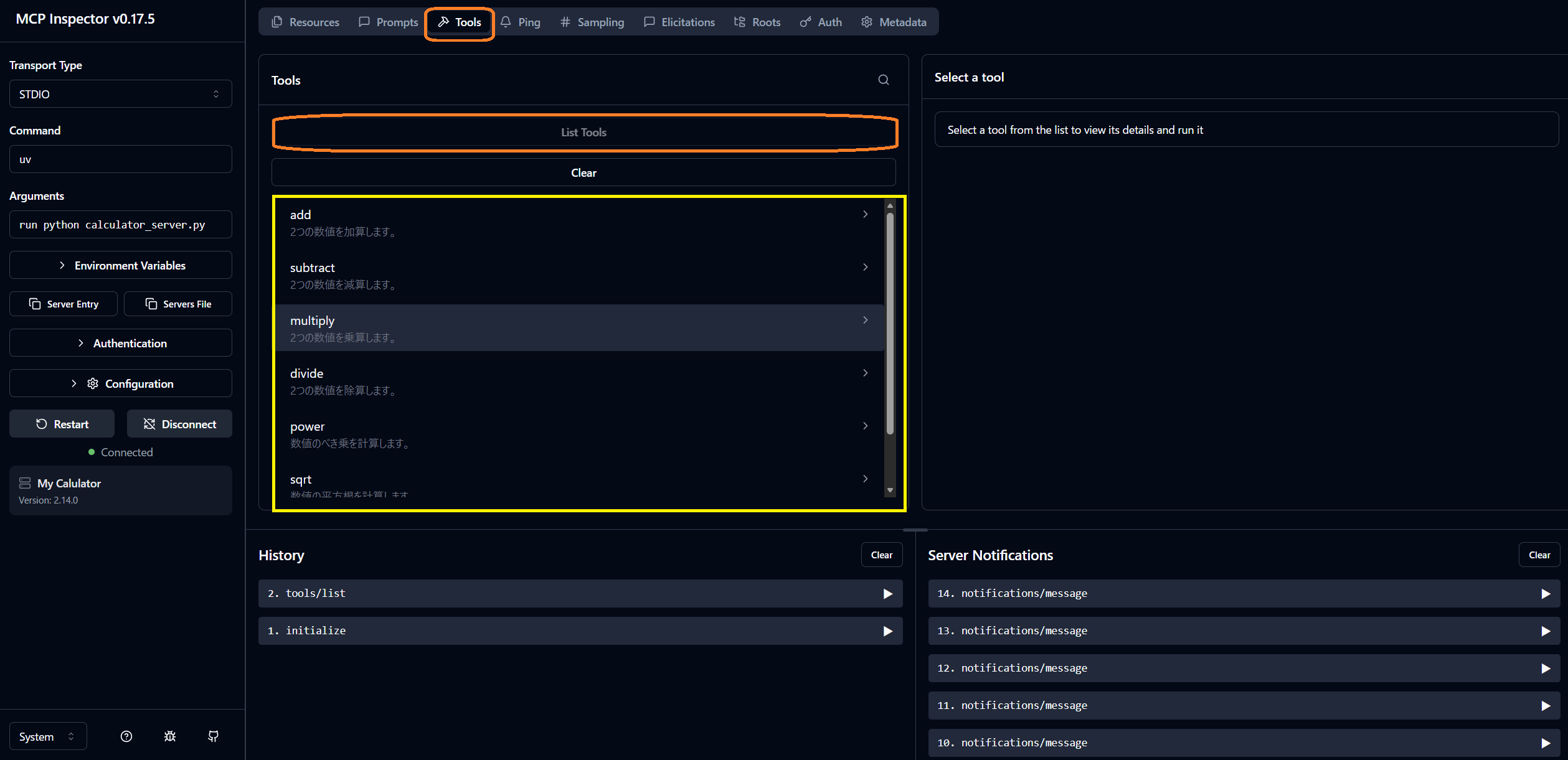
- 接続 / ツール一覧確認
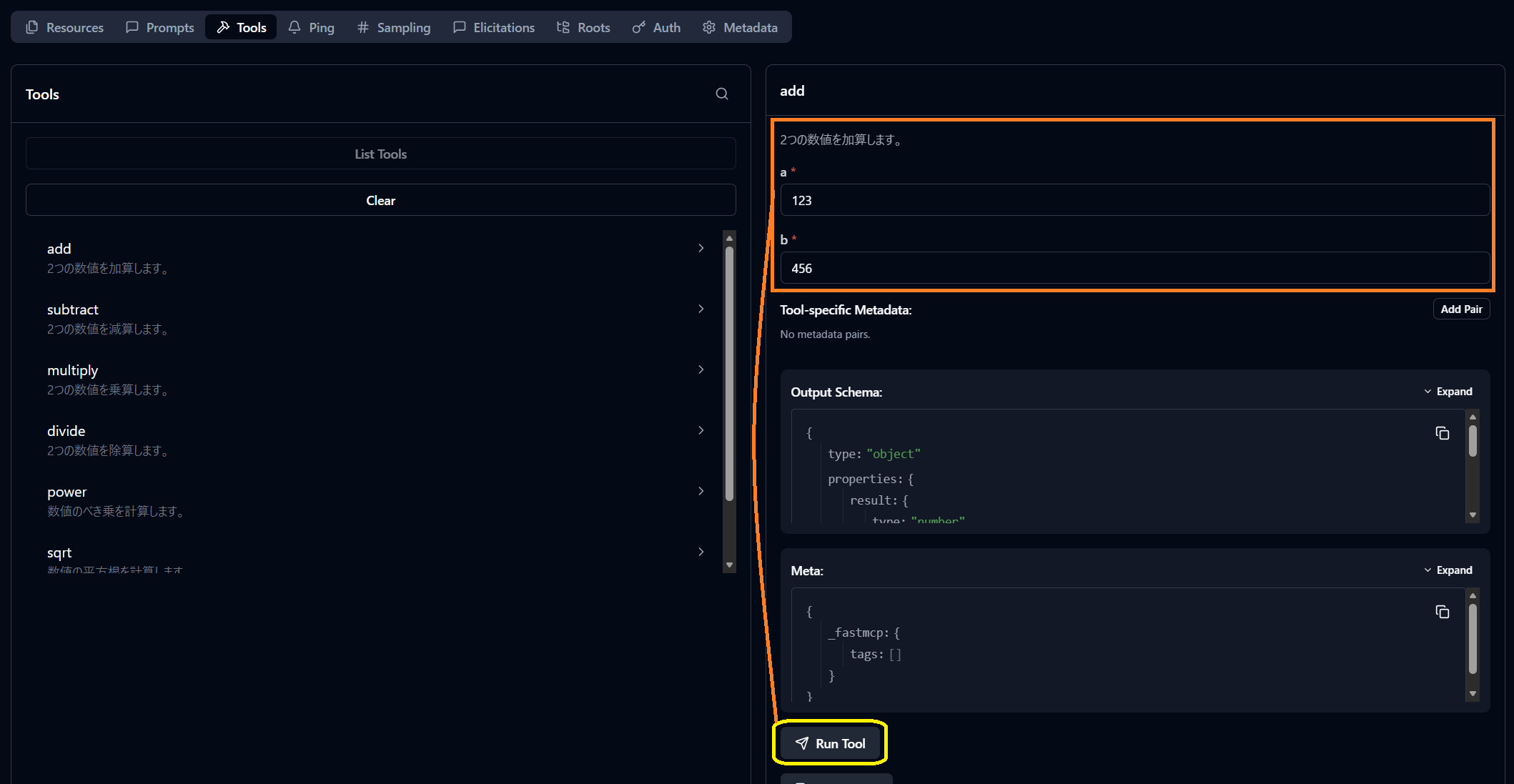
- ツール実行
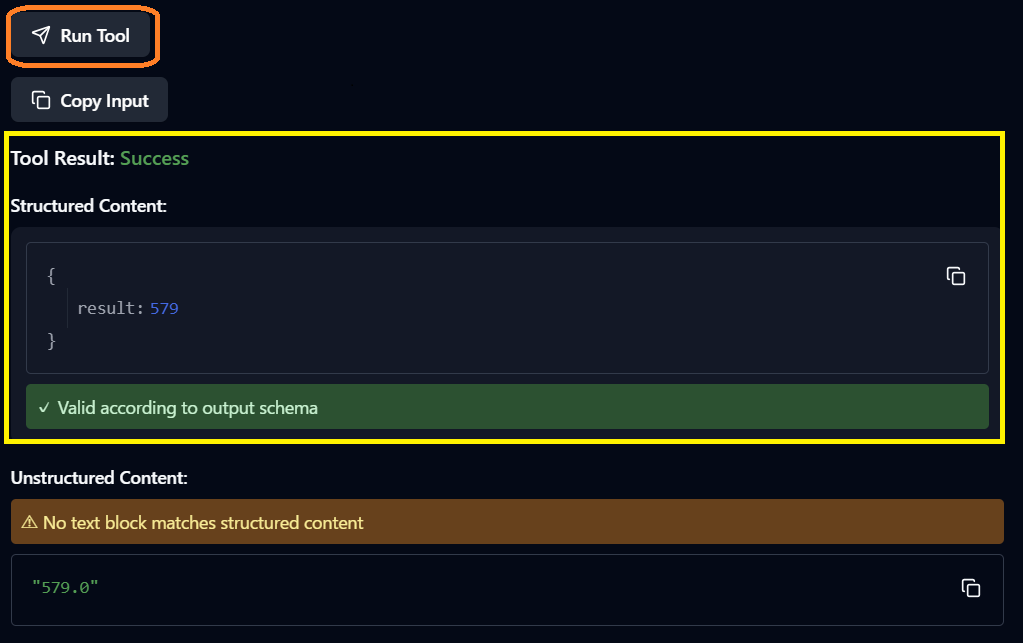
- 結果確認
- 初期画面(localhost:6277でサーバが起動した後、自動でブラウザが起動)
- 仲介ツール for Claude Desktop
- mcp-remote
- Claude Desktopでhttp接続するための設定(claude_desktop_config.json)
{
  "mcpServers": {
    "calculator-http": {
      "command": "npx",
      "args": ["mcp-remote@latest", "http://localhost:8000/mcp"]
    }
  }
}
- Claude Desktopでhttp接続するための設定(claude_desktop_config.json)
- mcp-proxy
uv tool install mcp-proxy
- mcp-remote
- 外部API
- OpenWeather API
- API Keyは下記リンクから取得する
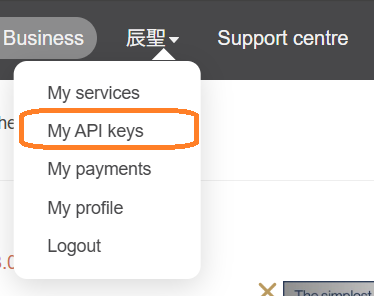
- 取得後、有効になるまで待つ(無効の場合、401認証エラーとなる)
- API Keyは下記リンクから取得する
- News API
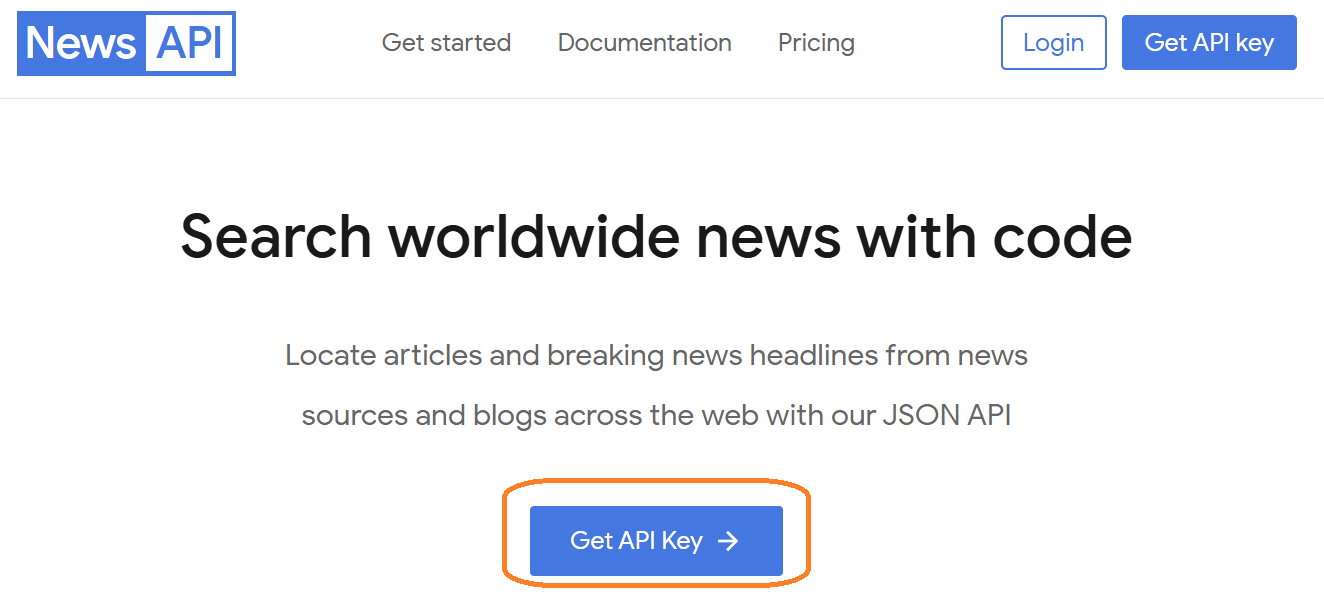
- API Keyは下記リンクから取得する
- API Keyは下記リンクから取得する
- Tavily
- API Keyは下記画面に表示のキーを使用する
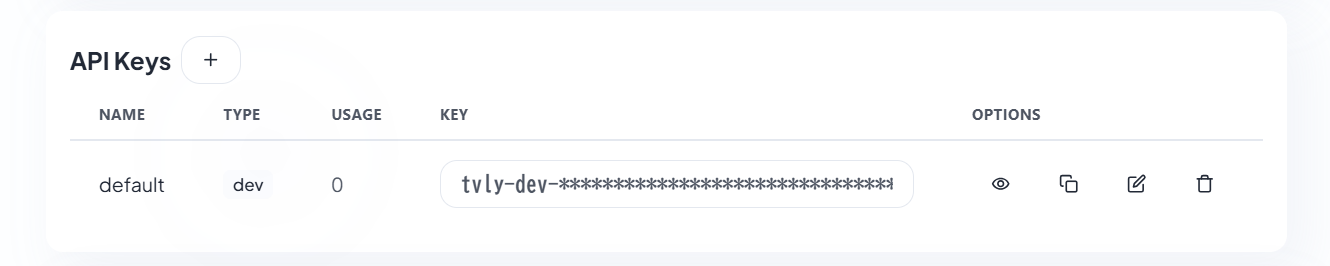
- API Keyは下記画面に表示のキーを使用する
- OpenWeather API