Rust
独学書
| Text | Date | Status |
|---|---|---|
| パーフェクトRust | 2024/01/05 | finished ->コード |
コンテンツ
| Contents | Date | Status |
|---|---|---|
| Webアプリ実装で学ぶ、現場で役立つRust入門 | 2025/10/07 | finished ->コード |
環境
-
Windows 11
Machine Env / FW Last Updated Windows Insider Rust 1.95.0 2026/05/01 - cargo-generate 0.23.5 2025/10/06 - wasm-pack 0.13.1 2025/10/06 Tauri 2.11.0 2026/05/01 - Svelte 5.55.5 2026/05/01 - Bun 1.3.13 2026/04/26 - Vite 8.0.10 2026/05/01 Dioxus 0.7.6 2026/04/23 - wasm-bindgen-cli 0.2.106 2026/04/23 - esbuild 0.27.3 2026/04/23 Windows Rust 1.93 2026/01/23 - Visual Studio Community 2022 17.14.21 2025/12/13 RustRover 2025.3.3 2026/02/01 Bevy 0.18.0 2026/01/23 Slint 1.14.1 2026/01/23 -
Ubuntu 24.04.4 on Windows 11
Machine Env / FW Last Updated Windows Insider Rust 1.95.0 2026/05/01 Tauri 2.11.0 2026/05/01 - React 19.2.5 2026/05/01 - Bun 1.3.13 2026/05/01 - Vite 8.0.10 2026/05/01 -
ChromeOS Flex 147.0.7727.142 (Official Build)
Machine Env / FW Last Updated ChromeOS Rust 1.95.0 2026/05/01 Node.js 25.0.0 2025/10/18 Tauri 2.11.0 2026/05/01 - React 19.2.5 2026/05/01 - Bun 1.3.13 2026/05/01 - Vite 8.0.10 2026/05/01 -
macOS Tahoe 26.4.1
Machine Env / FW Last Updated macOS Rust 1.95.0 2026/05/01 Node 22.6.0 2024/08/17 Tauri 2.11.0 2026/05/01 - React 19.2.5 2026/05/01 - Bun 1.3.13 2026/05/01 - Vite 8.0.10 2026/05/01
ノウハウ
Rust
-
Bug
- 時差の計算結果が不正(1.72,2023/09/16)
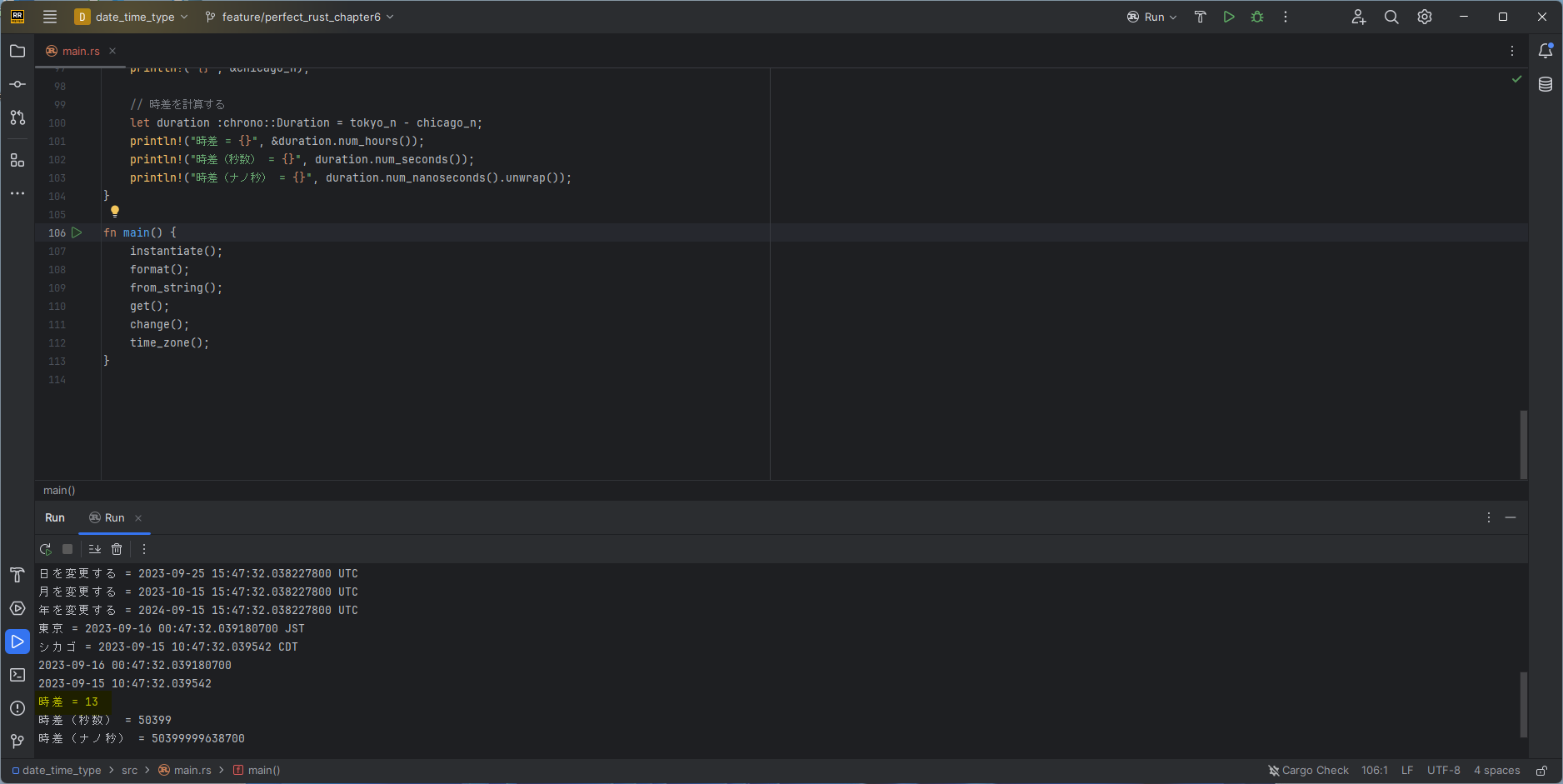
- 時差の計算結果が不正(1.72,2023/09/16)
-
インストールおよびドキュメント
-
バージョン情報
cargo --version rustup show -
ツール更新
rustup update- default 設定している場合
rustup default <version> - 1.94.0 -> 1.94.1 の更新が爆速だった!
info: downloading 9 components
rust-std installed                       27.00 MiB
rust-std installed                       25.23 MiB
rust-std installed                       25.66 MiB
    cargo installed                        8.28 MiB
  clippy installed                        2.79 MiB
rust-docs installed                       20.62 MiB
rust-std installed                       26.13 MiB
    rustc installed                       61.27 MiB
  rustfmt installed                        1.45 MiB
- default 設定している場合
-
プロジェクト作成
cargo new --bin <プロジェクト名> -
ビルド
cargo build -
実行
cargo run
WASM
- Wasmtime
- Install
curl https://wasmtime.dev/install.sh -sSf | bash - ターゲット
- 一覧出力
rustc --print=target-list - 追加
rustup target add wasm32-wasi
- 一覧出力
- コンパイル
rustc hello.rs --target wasm32-wasi - 実行
wasmtime hello.wasm
- Install
RustRover
- RustRover 2025.3.3 Build #RR-253.30387.122, built on January 27, 2026 Updated 2026/02/01 / 履歴
Source revision: c3a2fac393b13 ライセンス対象: Shinya Watanabe サブスクリプションは 2026年5月22日 まで有効です。 For non-commercial use only. Runtime version: 21.0.9+1-b1163.94 amd64 (JCEF 137.0.17) VM: OpenJDK 64-Bit Server VM by JetBrains s.r.o. Toolkit: sun.awt.windows.WToolkit Windows 11.0 GC: G1 Young Generation, G1 Concurrent GC, G1 Old Generation Memory: 2048M Cores: 4 Registry: ide.experimental.ui=true llm.ai.assistant.toolwindow.activation.on.start=false org.toml.json.schema=false transferSettings.vscode.onlyCargoToml=true Non-Bundled Plugins: com.jetbrains.space (253.29346.45) ru.adelf.idea.dotenv (253.30387.154) com.jetbrains.rust (253.30387.122) com.intellij.ml.llm (253.30387.147) - データベース
- ドライバのインストール+データソース設定をすることでアクセス可能
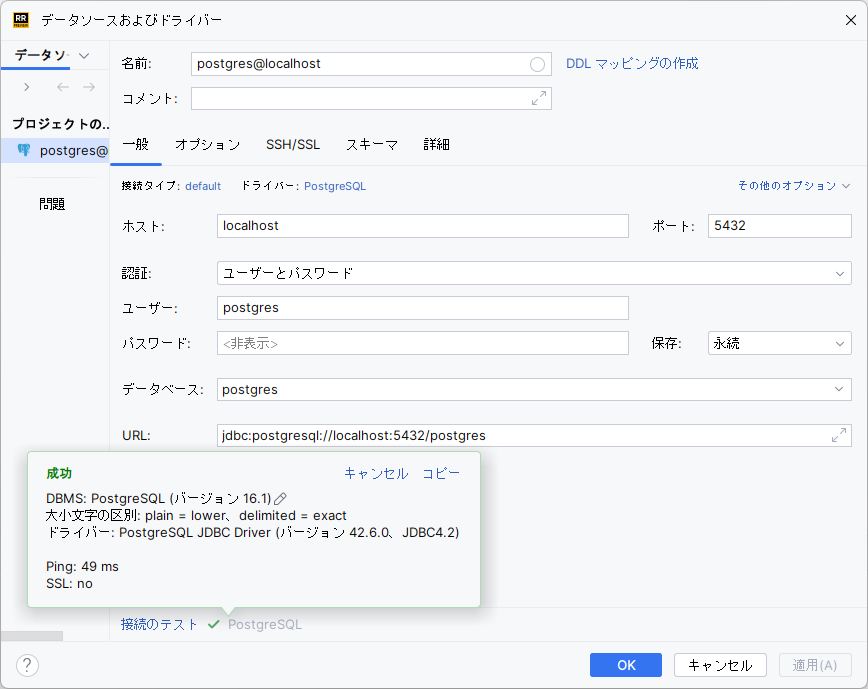
- ドライバのインストール+データソース設定をすることでアクセス可能
- Web APIのテスト
- RustRoverのHTTPクライアントでリクエストを作成してテストできる
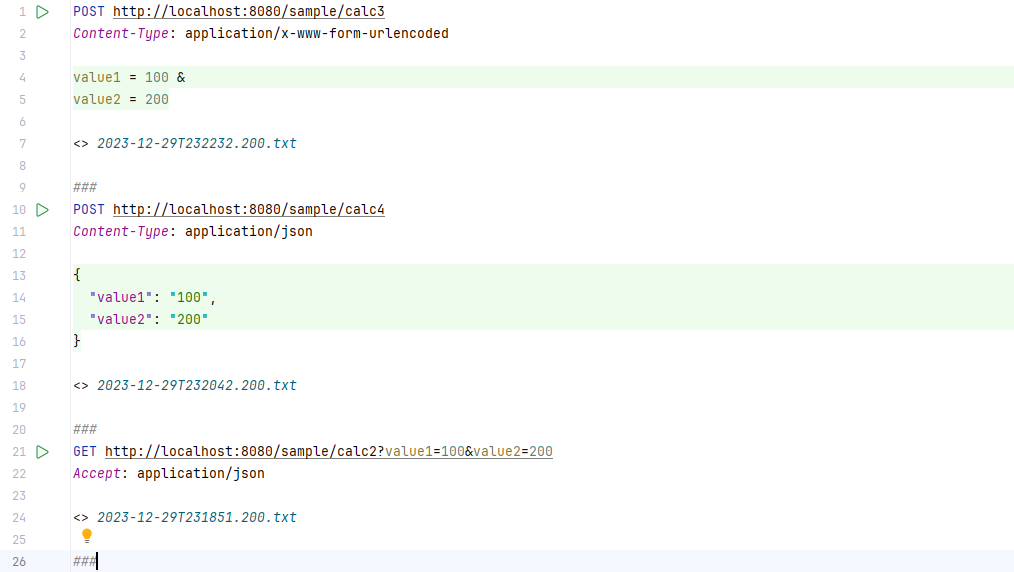
- GETリクエスト
GET http://localhost:80/api/item?id=99 Accept: application/json - POSTのテキスト本体(Json)
POST http://localhost:80/api/item Content-Type: application/json {} - POSTのパラメータ本体(Form)
POST http://localhost:80/api/item
Content-Type: application/x-www-form-urlencoded

id = 99 &
content = new-element
- GETリクエスト
- RustRoverのHTTPクライアントでリクエストを作成してテストできる
Visual Studio Code
- デバッグ
- デバッグについて
- CodeLLDBをインストール
- デバッグ実行
- rustのプロジェクトフォルダを開く
- デバッグ開始(初回)
- デバッグについて、選択が必要になるため、LLDBを選択する
- プロジェクト内のCargo.tomlに従って、構成ファイルが作成される
- デバッグ開始(2回目以降)
- LLDBを使って、デバッグ実行できる
- デバッグについて
クレート
- サンプルWebApp(Actix-Web/SeaORM)
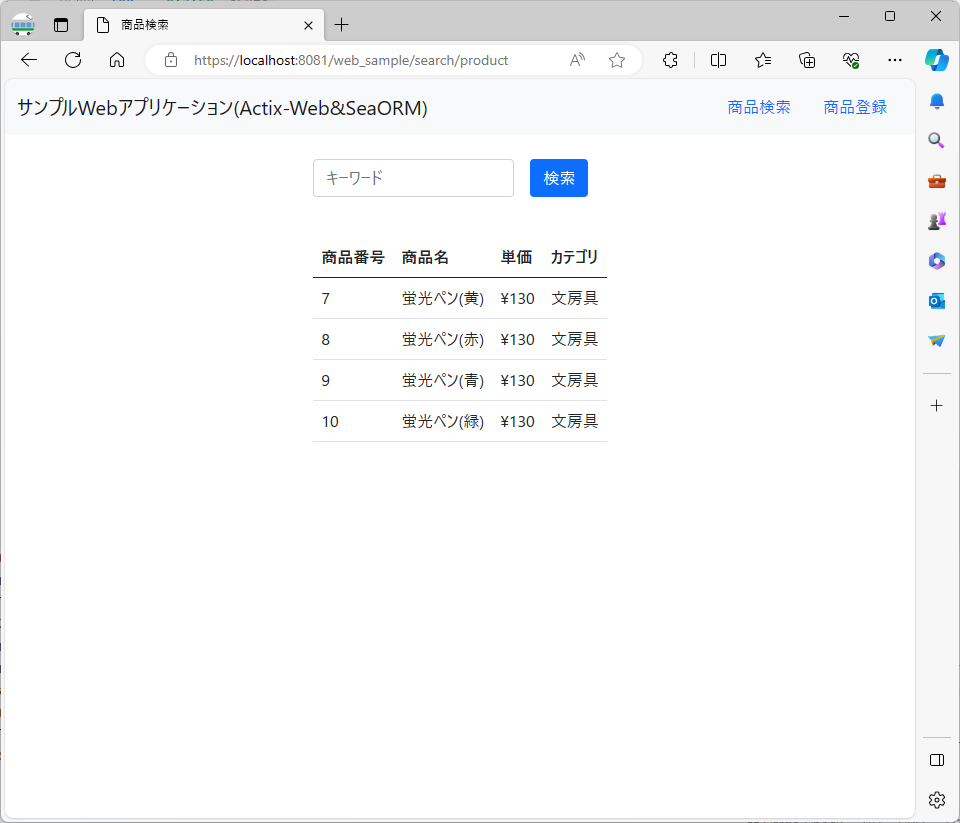
- SeaORM
- テーブルからModel生成
sea-orm-cli generate entity -u postgres://postgres:pgsuper@localhost:5432/sample_db -o src/models
- テーブルからModel生成
- sqlx for SQLite
cargo add sqlx --features "sqlite runtime-tokio chrono" - time
- Rust 1.80 以降は、0.3.35 以上にする必要あり
セッション管理
SSL
- ローカル認証局のインストール、証明鍵および秘密鍵の作成には、mkcert 1.4.4を利用
- Chocolatey v2.2.2でインストール
- Chocolatelyのインストール
Set-ExecutionPolicy Bypass -Scope Process -Force; [System.Net.ServicePointManager]::SecurityProtocol = [System.Net.ServicePointManager]::SecurityProtocol -bor 3072; iex ((New-Object System.Net.WebClient).DownloadString('https://community.chocolatey.org/install.ps1')) - mkcertのインストール
choco install mkcert - ローカル認証局のインストール
mkcert -install - 証明鍵、秘密鍵の作成(localhost用)
mkcert localhost
- Chocolatelyのインストール
- Chocolatey v2.2.2でインストール
- OpenSSLクレートにより、SSL/HTTP2対応が可能
-
利用には、vcpkgを使って、OpenSSLのインストールが必要
git clone https://github.com/Microsoft/vcpkg.git
cd vcpkg
.\bootstrap-vcpkg.bat
.\vcpkg.exe install openssl:x64-windows-static

$env:OPENSSL_DIR = 'C:\Tools\vcpkg\installed\x64-windows-static'
$env:OPENSSL_STATIC = 'Yes'
[System.Environment]::SetEnvironmentVariable('OPENSSL_DIR', $env:OPENSSL_DIR, [System.EnvironmentVariableTarget]::User)
[System.Environment]::SetEnvironmentVariable('OPENSSL_STATIC', $env:OPENSSL_STATIC, [System.EnvironmentVariableTarget]::User)
セットアップログ
PS C:\> git clone https://github.com/Microsoft/vcpkg.git
Cloning into 'vcpkg'...
remote: Enumerating objects: 217763, done.
remote: Counting objects: 100% (18573/18573), done.
remote: Compressing objects: 100% (567/567), done.
remote: Total 217763 (delta 18225), reused 18117 (delta 18006), pack-reused 199190
Receiving objects: 100% (217763/217763), 65.63 MiB | 11.53 MiB/s, done.
Resolving deltas: 100% (143607/143607), done.
Updating files: 100% (10999/10999), done.
PS C:\> cd .\vcpkg\
PS C:\vcpkg> .\bootstrap-vcpkg.bat
Downloading https://github.com/microsoft/vcpkg-tool/releases/download/2023-12-12/vcpkg.exe -> C:\vcpkg\vcpkg.exe... done.
Validating signature... done.

vcpkg package management program version 2023-12-12-1c9ec1978a6b0c2b39c9e9554a96e3e275f7556e

See LICENSE.txt for license information.
Telemetry
---------
vcpkg collects usage data in order to help us improve your experience.
The data collected by Microsoft is anonymous.
You can opt-out of telemetry by re-running the bootstrap-vcpkg script with -disableMetrics,
passing --disable-metrics to vcpkg on the command line,
or by setting the VCPKG_DISABLE_METRICS environment variable.

Read more about vcpkg telemetry at docs/about/privacy
PS C:\vcpkg> .\vcpkg.exe install openssl:x64-windows-static
Computing installation plan...
A suitable version of cmake was not found (required v3.27.1) Downloading portable cmake 3.27.1...
Downloading cmake...
https://github.com/Kitware/CMake/releases/download/v3.27.1/cmake-3.27.1-windows-i386.zip->C:\vcpkg\downloads\cmake-3.27.1-windows-i386.zip
Downloading https://github.com/Kitware/CMake/releases/download/v3.27.1/cmake-3.27.1-windows-i386.zip
Extracting cmake...
The following packages will be built and installed:
    openssl:x64-windows-static@3.2.0#1
  * vcpkg-cmake:x64-windows@2023-05-04
  * vcpkg-cmake-config:x64-windows@2022-02-06#1
  * vcpkg-cmake-get-vars:x64-windows@2023-03-02
Additional packages (*) will be modified to complete this operation.
Detecting compiler hash for triplet x64-windows...
Detecting compiler hash for triplet x64-windows-static...
A suitable version of 7zip was not found (required v23.1.0) Downloading portable 7zip 23.1.0...
Downloading 7zip...
https://www.7-zip.org/a/7z2301-extra.7z->C:\vcpkg\downloads\7z2301-extra.7z
Downloading https://www.7-zip.org/a/7z2301-extra.7z
Extracting 7zip...
Restored 0 package(s) from C:\Users\taish\AppData\Local\vcpkg\archives in 709 us. Use --debug to see more details.
Installing 1/4 vcpkg-cmake:x64-windows@2023-05-04...
Building vcpkg-cmake:x64-windows@2023-05-04...
-- Installing: C:/vcpkg/packages/vcpkg-cmake_x64-windows/share/vcpkg-cmake/vcpkg_cmake_configure.cmake
-- Installing: C:/vcpkg/packages/vcpkg-cmake_x64-windows/share/vcpkg-cmake/vcpkg_cmake_build.cmake
-- Installing: C:/vcpkg/packages/vcpkg-cmake_x64-windows/share/vcpkg-cmake/vcpkg_cmake_install.cmake
-- Installing: C:/vcpkg/packages/vcpkg-cmake_x64-windows/share/vcpkg-cmake/vcpkg-port-config.cmake
-- Installing: C:/vcpkg/packages/vcpkg-cmake_x64-windows/share/vcpkg-cmake/copyright
-- Performing post-build validation
Stored binaries in 1 destinations in 197 ms.
Elapsed time to handle vcpkg-cmake:x64-windows: 616 ms
vcpkg-cmake:x64-windows package ABI: eca4282c32436c46756ed3dbef87cbfe5d8902ff35dce71aa65c6590e286fed4
Installing 2/4 vcpkg-cmake-config:x64-windows@2022-02-06#1...
Building vcpkg-cmake-config:x64-windows@2022-02-06#1...
-- Installing: C:/vcpkg/packages/vcpkg-cmake-config_x64-windows/share/vcpkg-cmake-config/vcpkg_cmake_config_fixup.cmake
-- Installing: C:/vcpkg/packages/vcpkg-cmake-config_x64-windows/share/vcpkg-cmake-config/vcpkg-port-config.cmake
-- Installing: C:/vcpkg/packages/vcpkg-cmake-config_x64-windows/share/vcpkg-cmake-config/copyright
-- Performing post-build validation
Stored binaries in 1 destinations in 120 ms.
Elapsed time to handle vcpkg-cmake-config:x64-windows: 391 ms
vcpkg-cmake-config:x64-windows package ABI: ef27e6b3ea08f719dada133e2943a3a3807f3f45ff10bb01c28d37b10ea9af9e
Installing 3/4 vcpkg-cmake-get-vars:x64-windows@2023-03-02...
Building vcpkg-cmake-get-vars:x64-windows@2023-03-02...
-- Installing: C:/vcpkg/packages/vcpkg-cmake-get-vars_x64-windows/share/vcpkg-cmake-get-vars/vcpkg_cmake_get_vars.cmake
-- Installing: C:/vcpkg/packages/vcpkg-cmake-get-vars_x64-windows/share/vcpkg-cmake-get-vars/cmake_get_vars
-- Installing: C:/vcpkg/packages/vcpkg-cmake-get-vars_x64-windows/share/vcpkg-cmake-get-vars/cmake_get_vars/CMakeLists.txt
-- Installing: C:/vcpkg/packages/vcpkg-cmake-get-vars_x64-windows/share/vcpkg-cmake-get-vars/vcpkg-port-config.cmake
-- Installing: C:/vcpkg/packages/vcpkg-cmake-get-vars_x64-windows/share/vcpkg-cmake-get-vars/copyright
-- Performing post-build validation
Stored binaries in 1 destinations in 92.1 ms.
Elapsed time to handle vcpkg-cmake-get-vars:x64-windows: 298 ms
vcpkg-cmake-get-vars:x64-windows package ABI: c6a58b84fee5293d74af1bf6faf21c9f147a1ac9e7600b84ba19aedd0eb61761
Installing 4/4 openssl:x64-windows-static@3.2.0#1...
Building openssl:x64-windows-static@3.2.0#1...
-- Downloading https://github.com/openssl/openssl/archive/openssl-3.2.0.tar.gz -> openssl-openssl-openssl-3.2.0.tar.gz...
-- Extracting source C:/vcpkg/downloads/openssl-openssl-openssl-3.2.0.tar.gz
-- Applying patch asm-comments.patch
-- Applying patch declspec-align.patch
-- Applying patch qt-msvc.patch
-- Applying patch script-prefix.patch
-- Applying patch windows/install-layout.patch
-- Applying patch windows/install-pdbs.patch
-- Applying patch unix/android-cc.patch
-- Applying patch unix/move-openssldir.patch
-- Applying patch unix/no-empty-dirs.patch
-- Applying patch unix/no-static-libs-for-shared.patch
-- Using source at C:/vcpkg/buildtrees/openssl/src/nssl-3.2.0-06d693f20a.clean
-- Downloading https://github.com/StrawberryPerl/Perl-Dist-Strawberry/releases/download/SP_5380_5361/strawberry-perl-5.38.0.1-64bit-portable.zip -> strawberry-perl-5.38.0.1-64bit-portable.zip...
-- Found external ninja('1.11.0').
-- Getting CMake variables for x64-windows-static
-- Downloading https://www.nasm.us/pub/nasm/releasebuilds/2.16.01/win64/nasm-2.16.01-win64.zip;https://gstreamer.freedesktop.org/src/mirror/nasm-2.16.01-win64.zip -> nasm-2.16.01-win64.zip...
-- Getting CMake variables for x64-windows-static
-- Downloading https://download.qt.io/official_releases/jom/jom_1_1_4.zip;https://mirrors.ocf.berkeley.edu/qt/official_releases/jom/jom_1_1_4.zip;https://mirrors.ukfast.co.uk/sites/qt.io/official_releases/jom/jom_1_1_4.zip -> jom_1_1_4.zip...
-- Prerunning x64-windows-static-dbg
-- Building x64-windows-static-dbg
-- Prerunning x64-windows-static-rel
-- Building x64-windows-static-rel
-- Fixing pkgconfig file: C:/vcpkg/packages/openssl_x64-windows-static/lib/pkgconfig/libcrypto.pc
-- Fixing pkgconfig file: C:/vcpkg/packages/openssl_x64-windows-static/lib/pkgconfig/libssl.pc
-- Fixing pkgconfig file: C:/vcpkg/packages/openssl_x64-windows-static/lib/pkgconfig/openssl.pc
-- Downloading https://mirror.msys2.org/mingw/mingw64/mingw-w64-x86_64-pkgconf-1~2.1.0-1-any.pkg.tar.zst;https://repo.msys2.org/mingw/mingw64/mingw-w64-x86_64-pkgconf-1~2.1.0-1-any.pkg.tar.zst;https://mirror.yandex.ru/mirrors/msys2/mingw/mingw64/mingw-w64-x86_64-pkgconf-1~2.1.0-1-any.pkg.tar.zst;https://mirrors.tuna.tsinghua.edu.cn/msys2/mingw/mingw64/mingw-w64-x86_64-pkgconf-1~2.1.0-1-any.pkg.tar.zst;https://mirrors.ustc.edu.cn/msys2/mingw/mingw64/mingw-w64-x86_64-pkgconf-1~2.1.0-1-any.pkg.tar.zst;https://mirror.selfnet.de/msys2/mingw/mingw64/mingw-w64-x86_64-pkgconf-1~2.1.0-1-any.pkg.tar.zst -> mingw-w64-x86_64-pkgconf-1~2.1.0-1-any.pkg.tar.zst...
-- Downloading https://mirror.msys2.org/msys/x86_64/msys2-runtime-3.4.9-3-x86_64.pkg.tar.zst;https://repo.msys2.org/msys/x86_64/msys2-runtime-3.4.9-3-x86_64.pkg.tar.zst;https://mirror.yandex.ru/mirrors/msys2/msys/x86_64/msys2-runtime-3.4.9-3-x86_64.pkg.tar.zst;https://mirrors.tuna.tsinghua.edu.cn/msys2/msys/x86_64/msys2-runtime-3.4.9-3-x86_64.pkg.tar.zst;https://mirrors.ustc.edu.cn/msys2/msys/x86_64/msys2-runtime-3.4.9-3-x86_64.pkg.tar.zst;https://mirror.selfnet.de/msys2/msys/x86_64/msys2-runtime-3.4.9-3-x86_64.pkg.tar.zst -> msys2-msys2-runtime-3.4.9-3-x86_64.pkg.tar.zst...
-- Using msys root at C:/vcpkg/downloads/tools/msys2/023cdb3ca06f77f2
-- Fixing pkgconfig file: C:/vcpkg/packages/openssl_x64-windows-static/debug/lib/pkgconfig/libcrypto.pc
-- Fixing pkgconfig file: C:/vcpkg/packages/openssl_x64-windows-static/debug/lib/pkgconfig/libssl.pc
-- Fixing pkgconfig file: C:/vcpkg/packages/openssl_x64-windows-static/debug/lib/pkgconfig/openssl.pc
-- Installing: C:/vcpkg/packages/openssl_x64-windows-static/share/openssl/usage
-- Installing: C:/vcpkg/packages/openssl_x64-windows-static/share/openssl/copyright
-- Performing post-build validation
Stored binaries in 1 destinations in 9.5 s.
Elapsed time to handle openssl:x64-windows-static: 12 min
openssl:x64-windows-static package ABI: 085051ba976c0f33cbbdec2e32cf8f9b52171432fda578c128d7223fc763ec07
Total install time: 12 min
The package openssl is compatible with built-in CMake targets:

    find_package(OpenSSL REQUIRED)
    target_link_libraries(main PRIVATE OpenSSL::SSL OpenSSL::Crypto)
-
Tauri(Desktop Framework)
- Build smaller, faster, and more secure desktop applications with a web frontend (履歴)
- Document
- V2.11.0
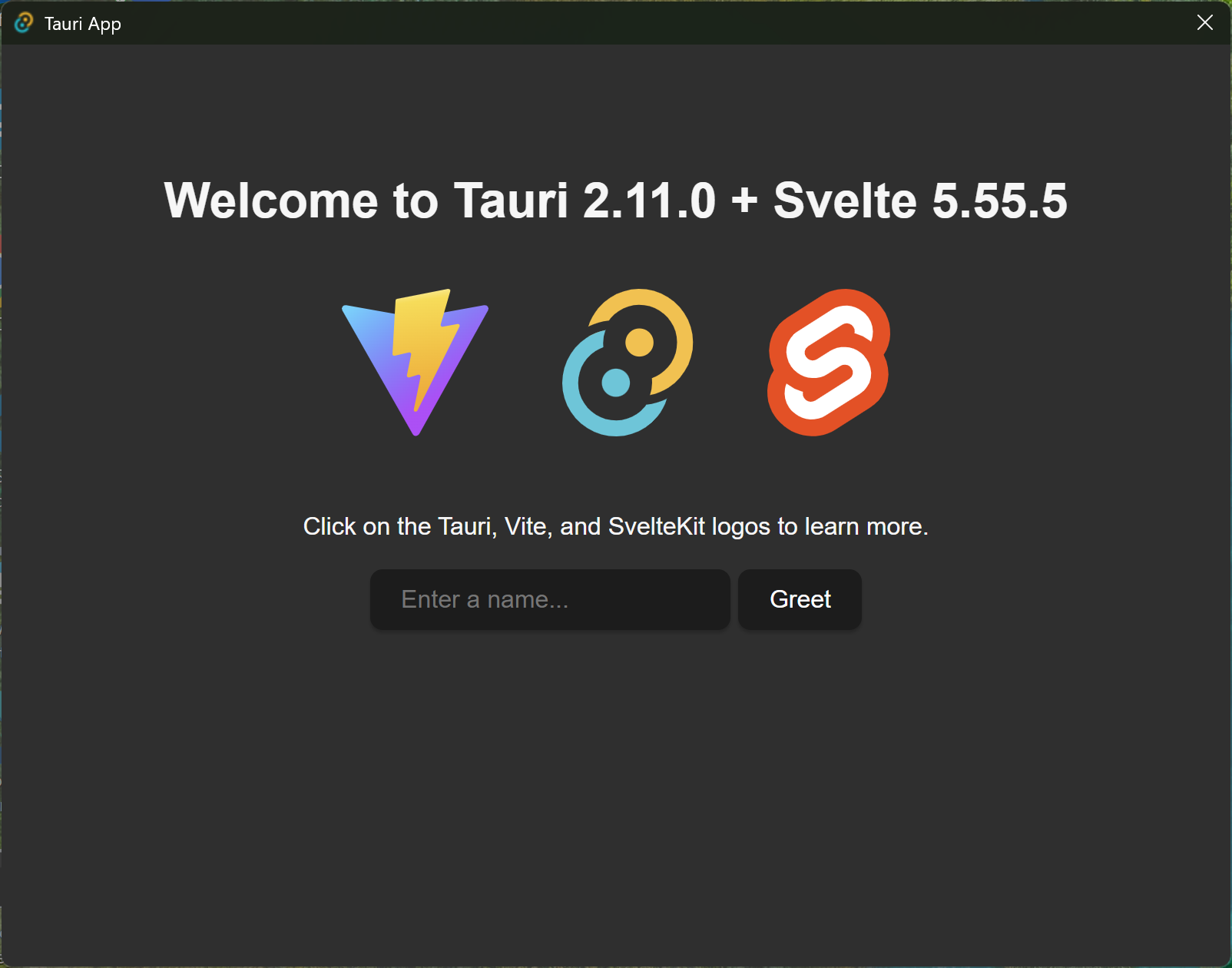
- Windows on Rust 1.95.0 + Svelte 5.55.5
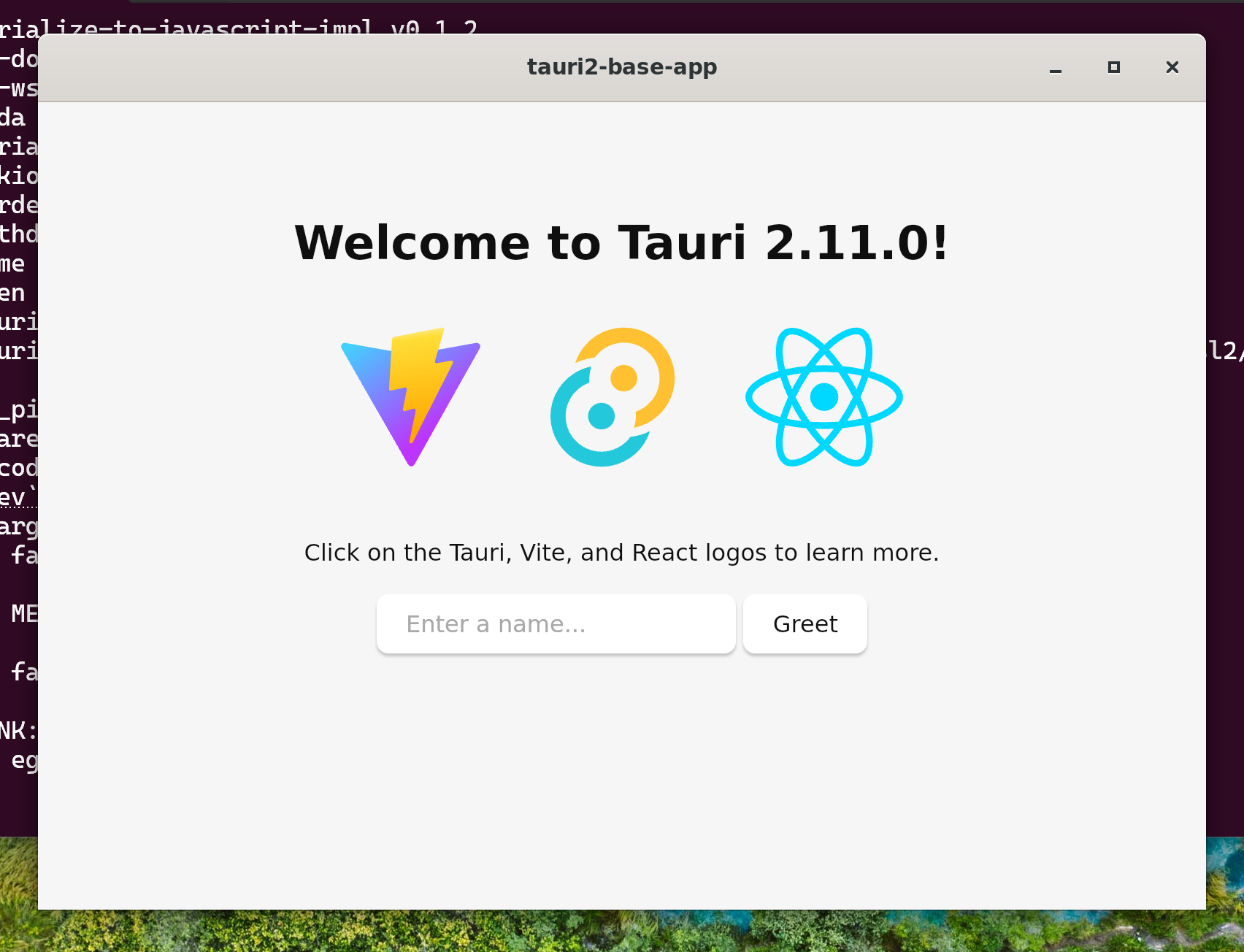
- Ubuntu 24.04.4 on WSL2
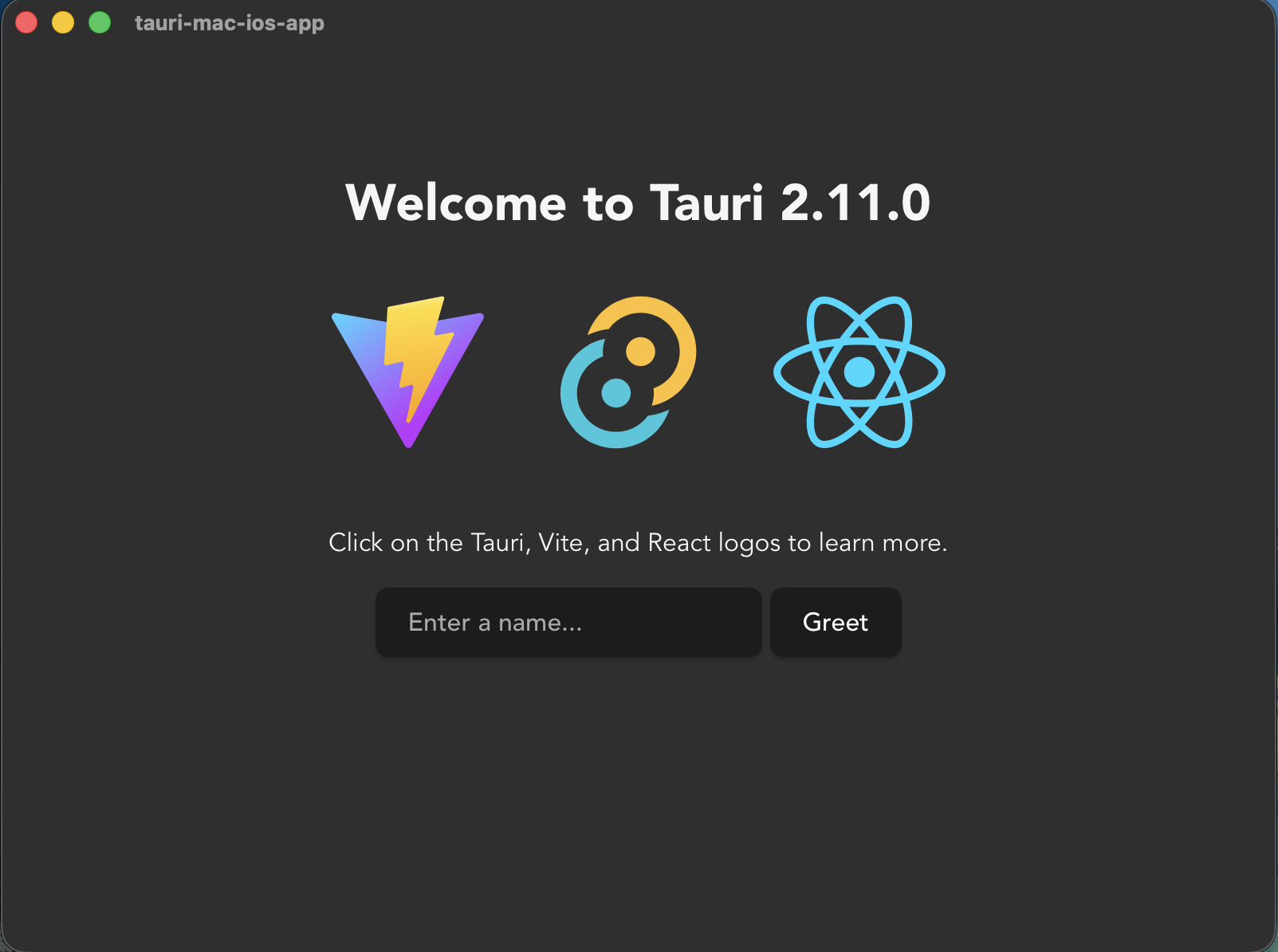
- macOS 26.4.1
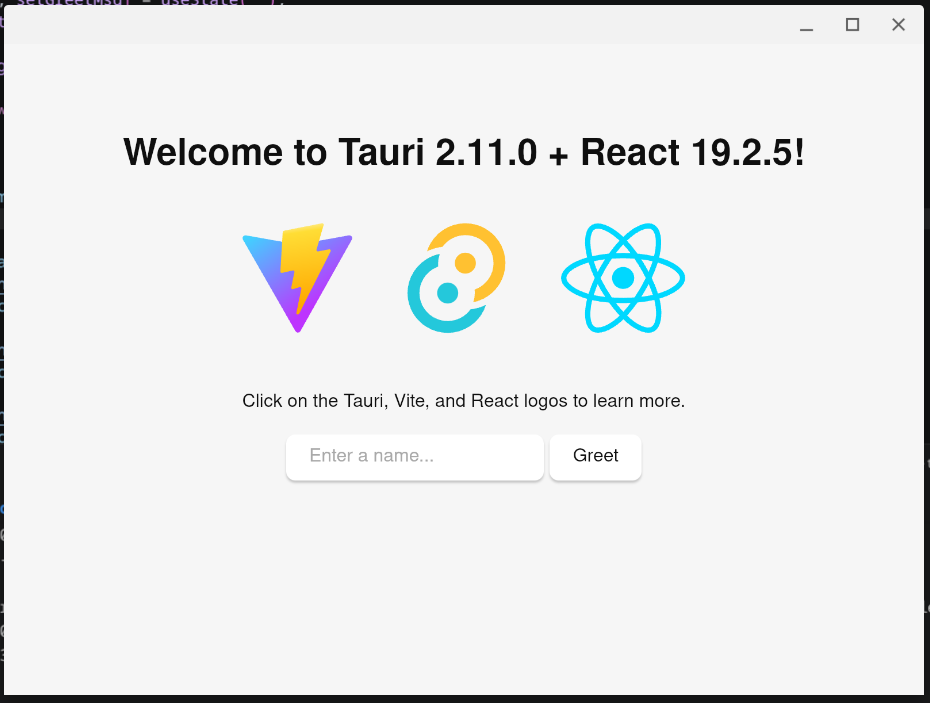
- ChromeOS Flex
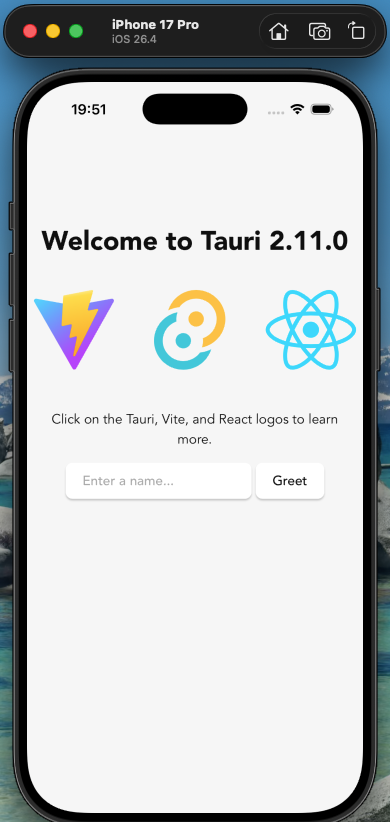
- iOS 26.4 / iPhone 17 Pro
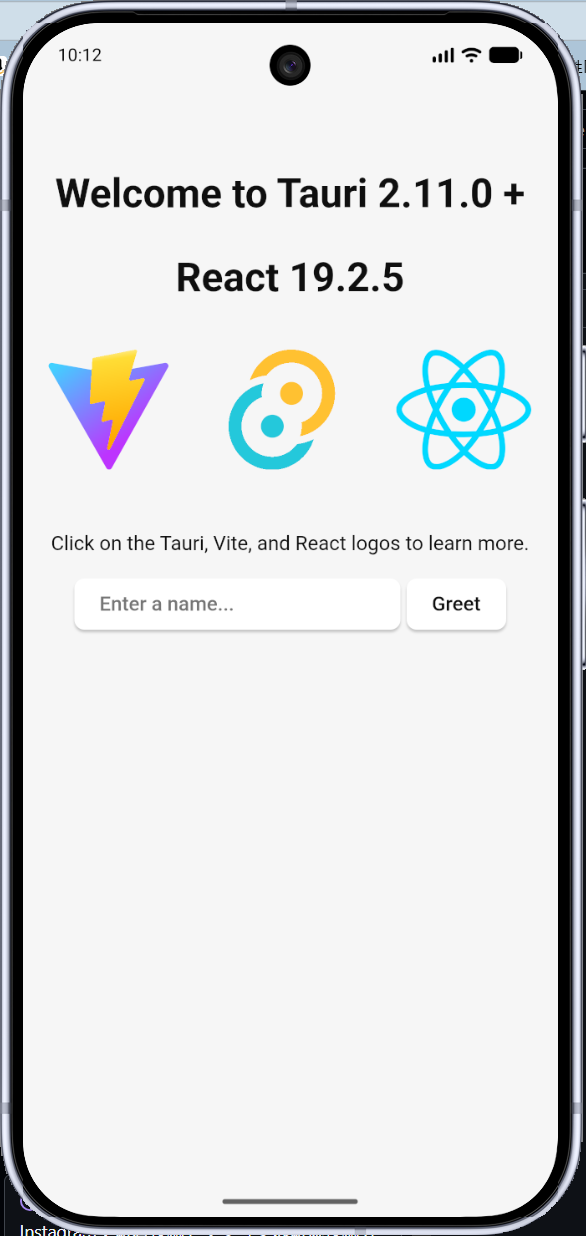
- Android 37.0 / Pixel 10 Pro / Rust 1.95.0 + React 19.2.5
- Gradle 8.14.4 + Kotlin 2.0.21の組み合わせしかない
- Gradle 8.14.4 + Kotlin 2.0.21の組み合わせしかない
- Windows on Rust 1.95.0 + Svelte 5.55.5
- V2.10.3
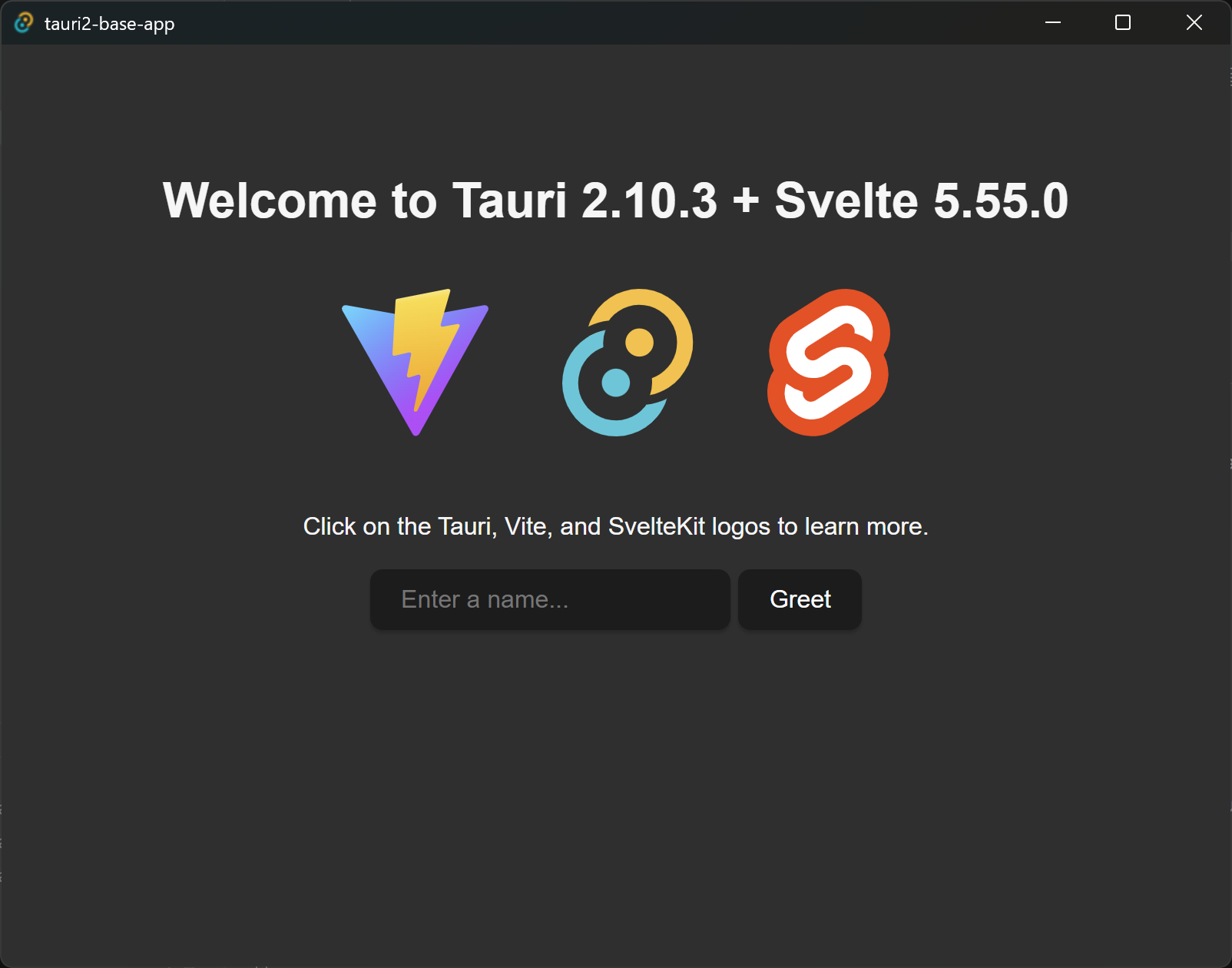
- Windows on Rust 1.94.1 + Svelte 5.55.0
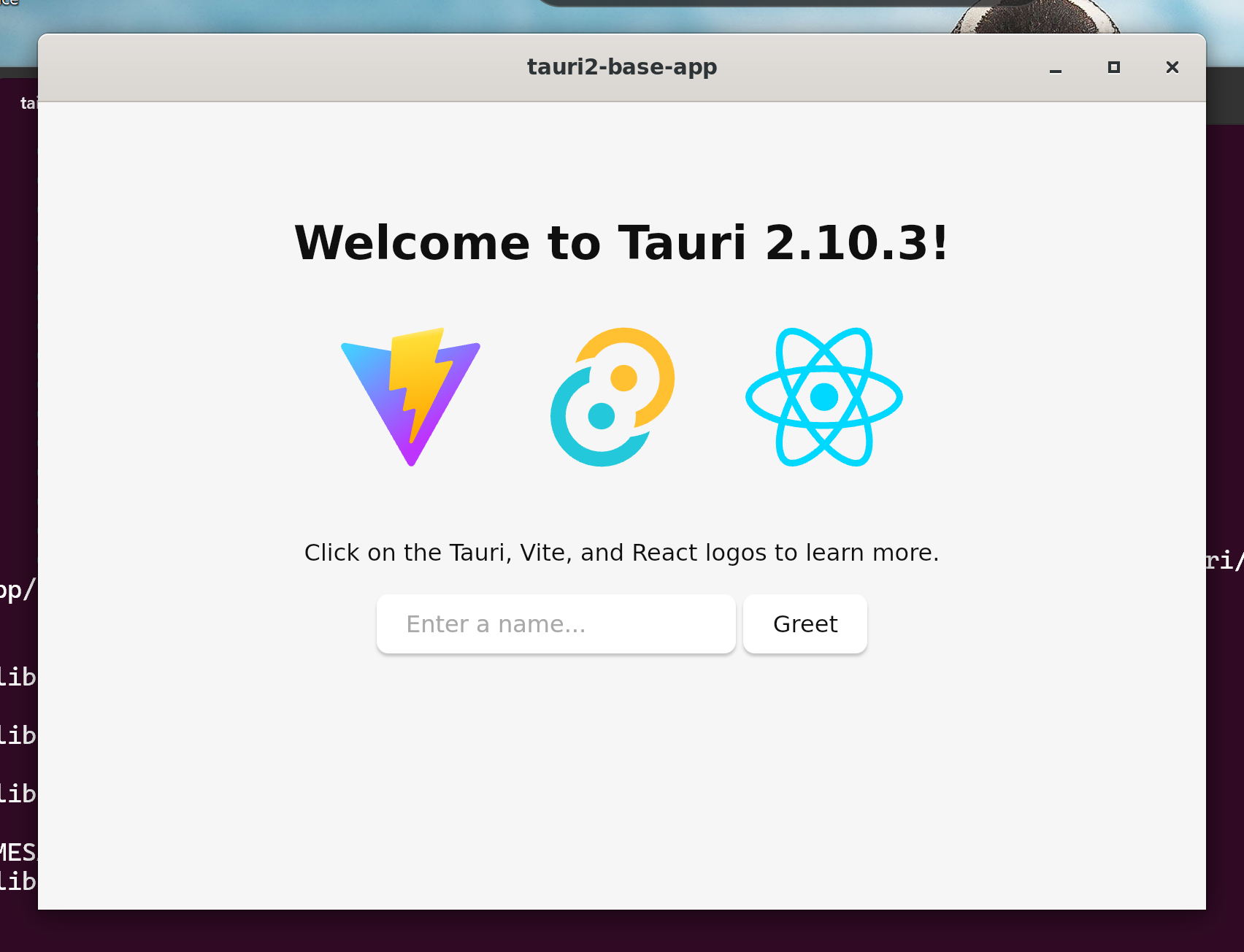
- Ubuntu 24.04.4 on WSL2
- macOS 26.4
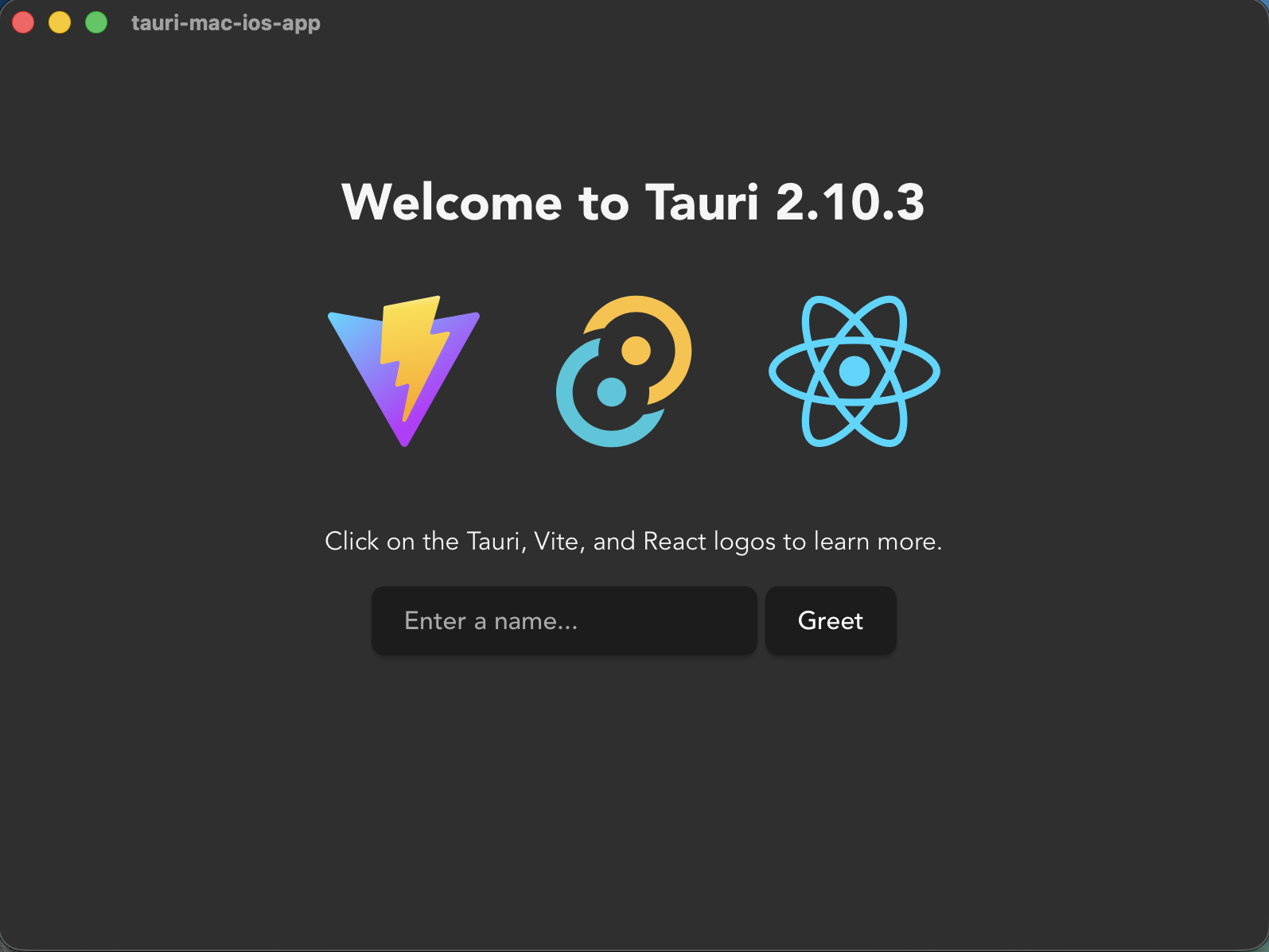
- macOS 26.3.1
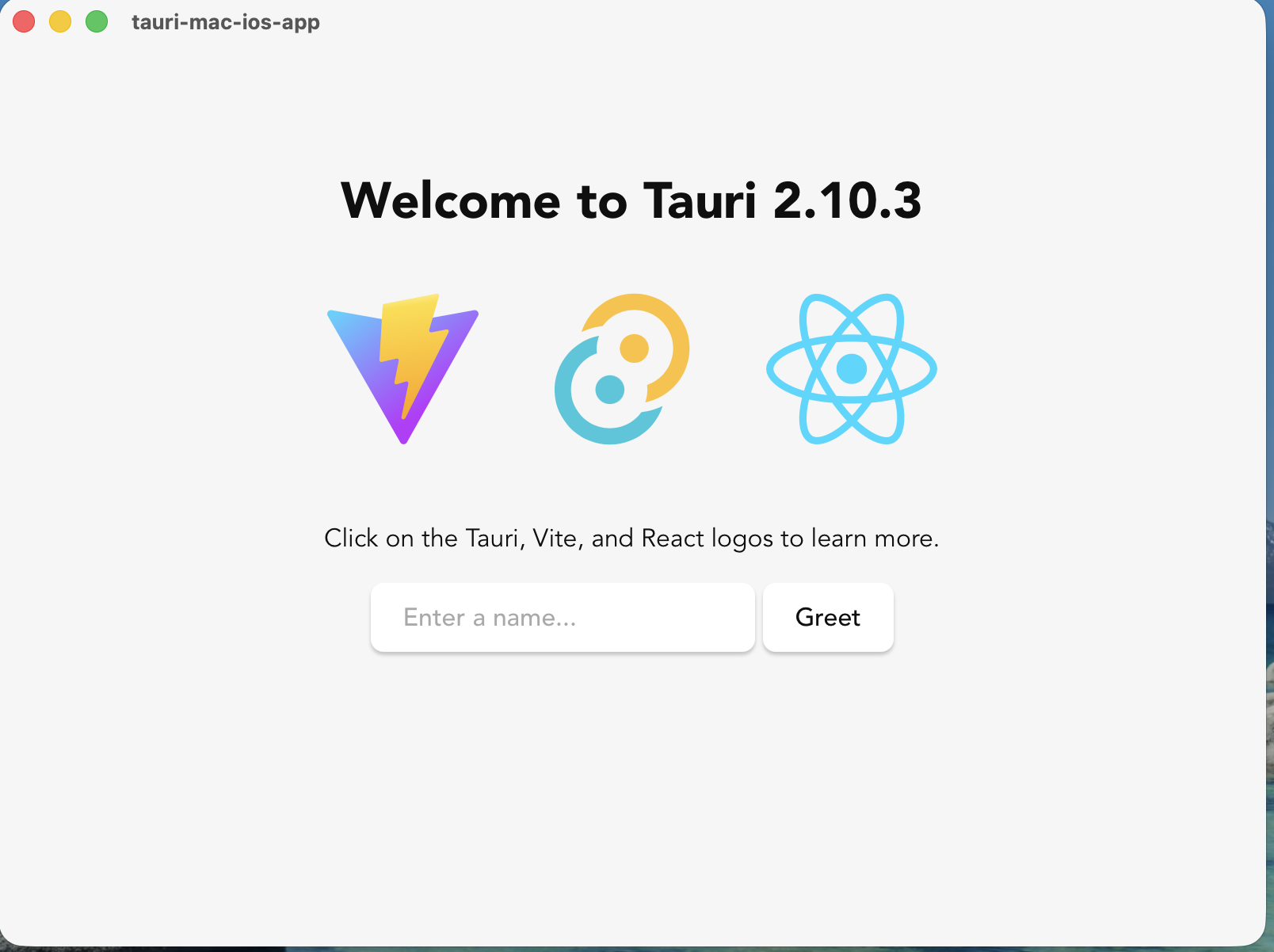
- ChromeOS Flex
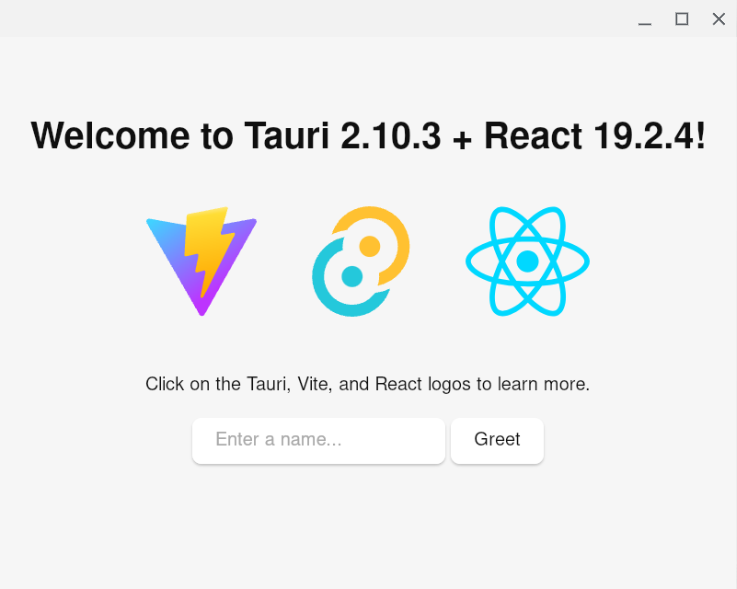
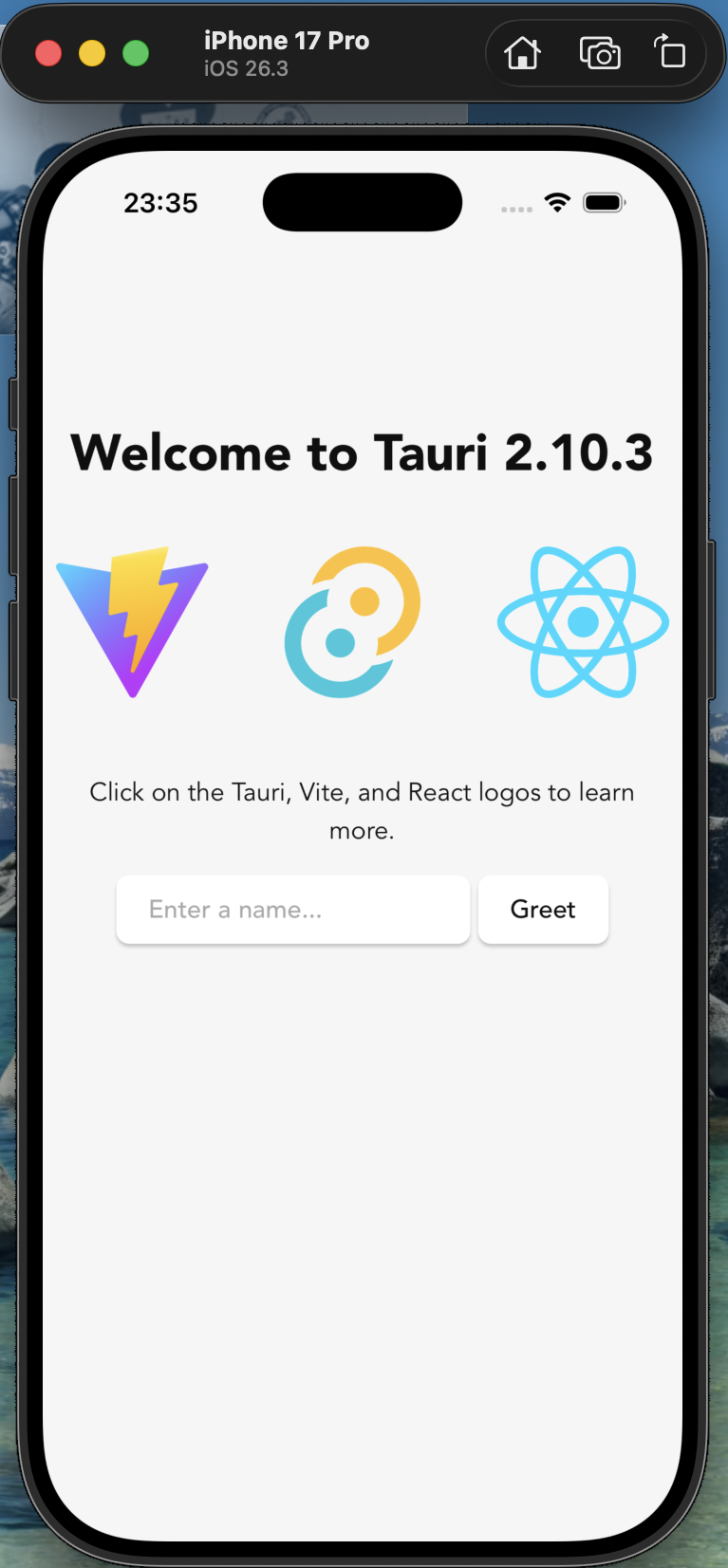
- iOS 26.4 / iPhone 17 Pro
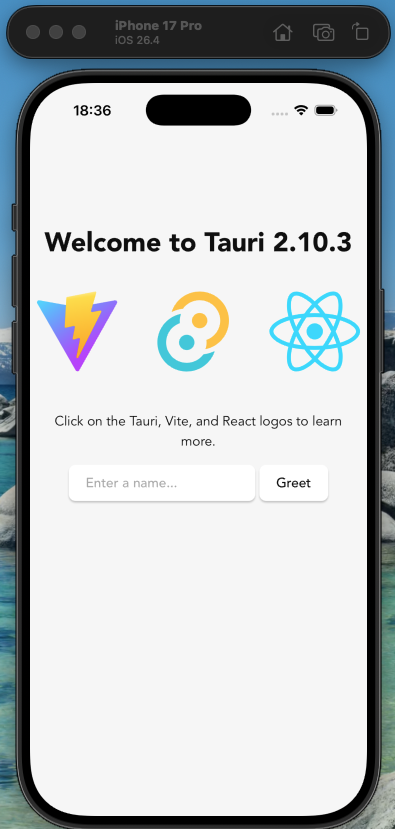
- iOS 26.3.1 / iPhone 17 Pro
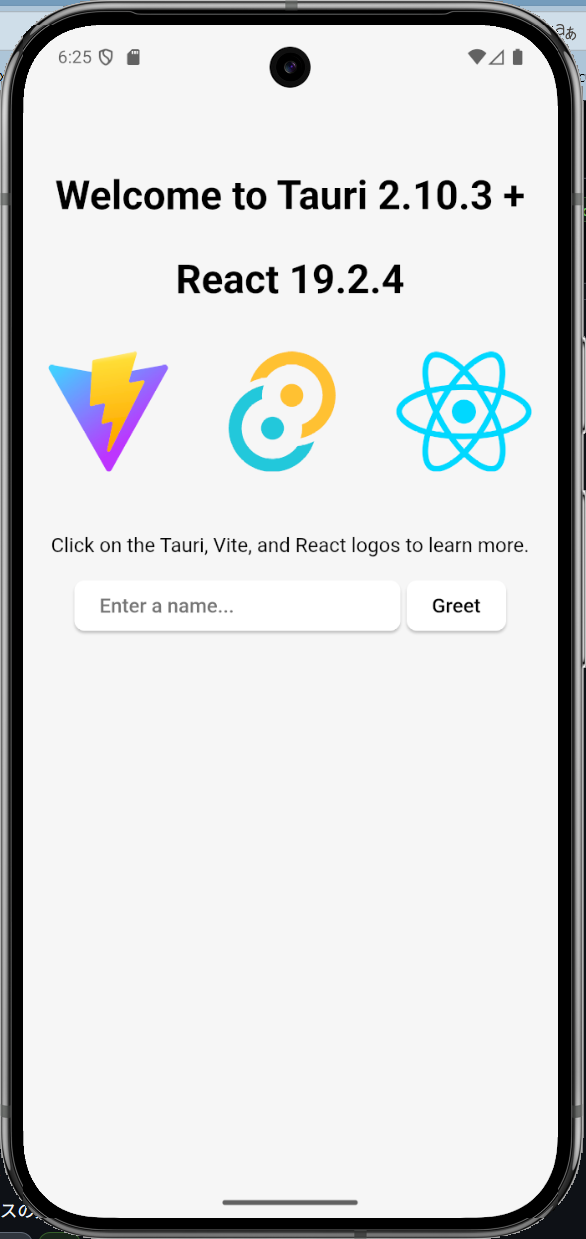
- Android 36.0 / Pixel 9 Pro / Rust 1.94.1 + React 19.2.4
- Gradle 8.14.4 + Kotlin 2.0.21の組み合わせしかない
- Gradle 8.14.4 + Kotlin 2.0.21の組み合わせしかない
- Windows on Rust 1.94.1 + Svelte 5.55.0
- V2.10.2
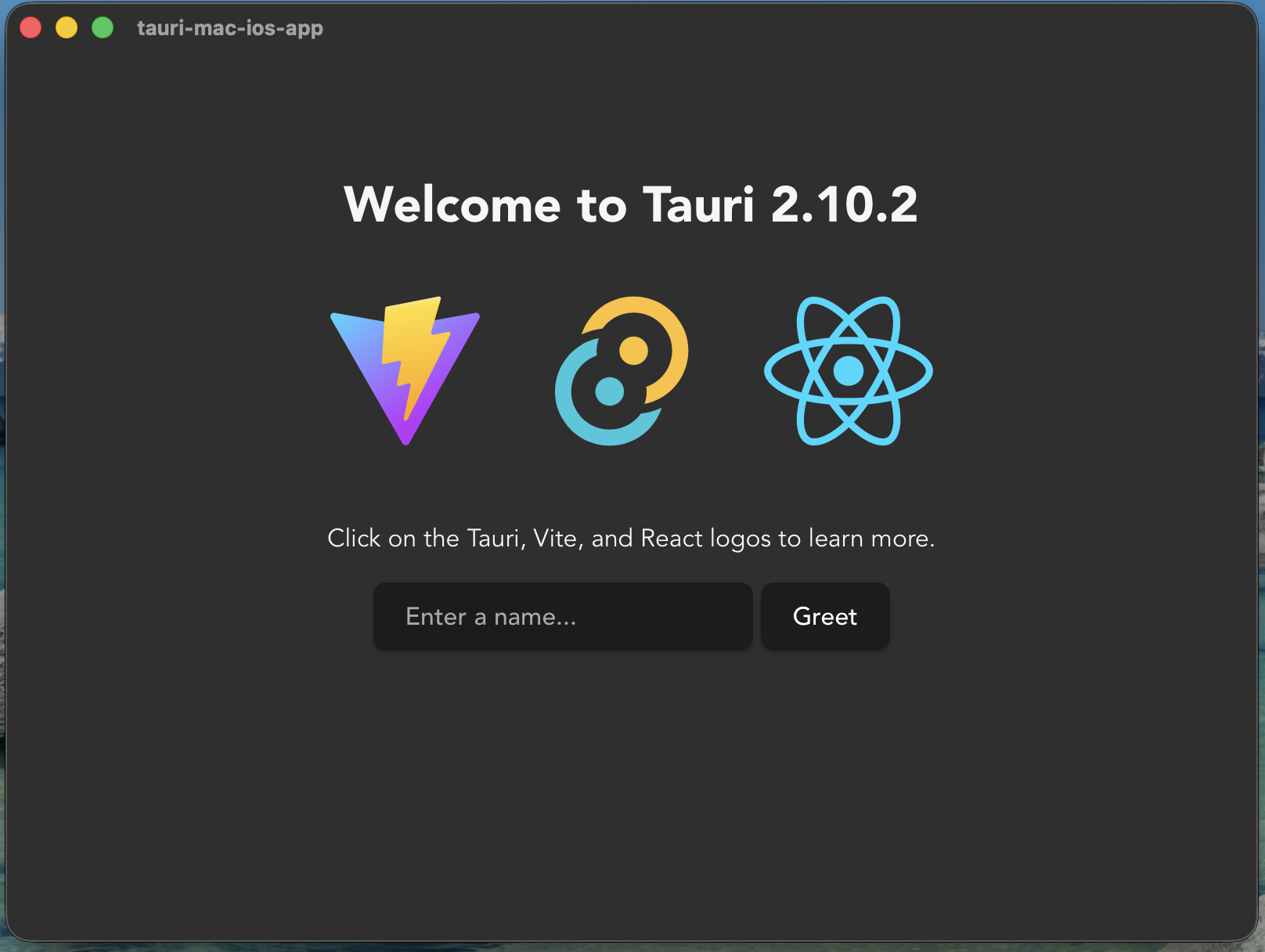
- macOS 26.3
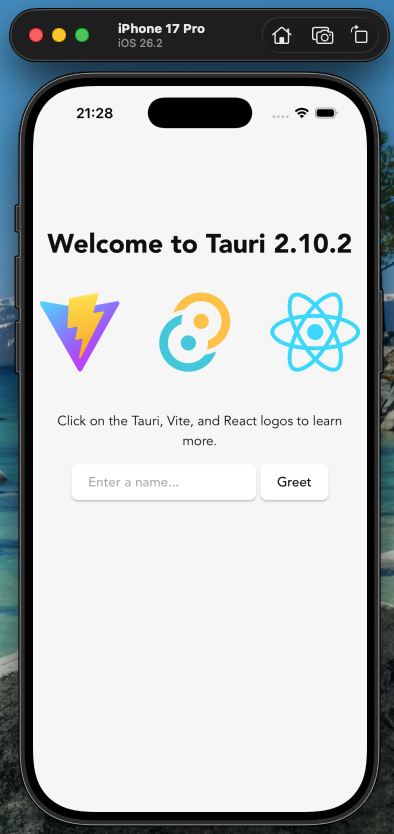
- iOS 26.2 / iPhone 17 Pro
- macOS 26.3
- V2.9.5
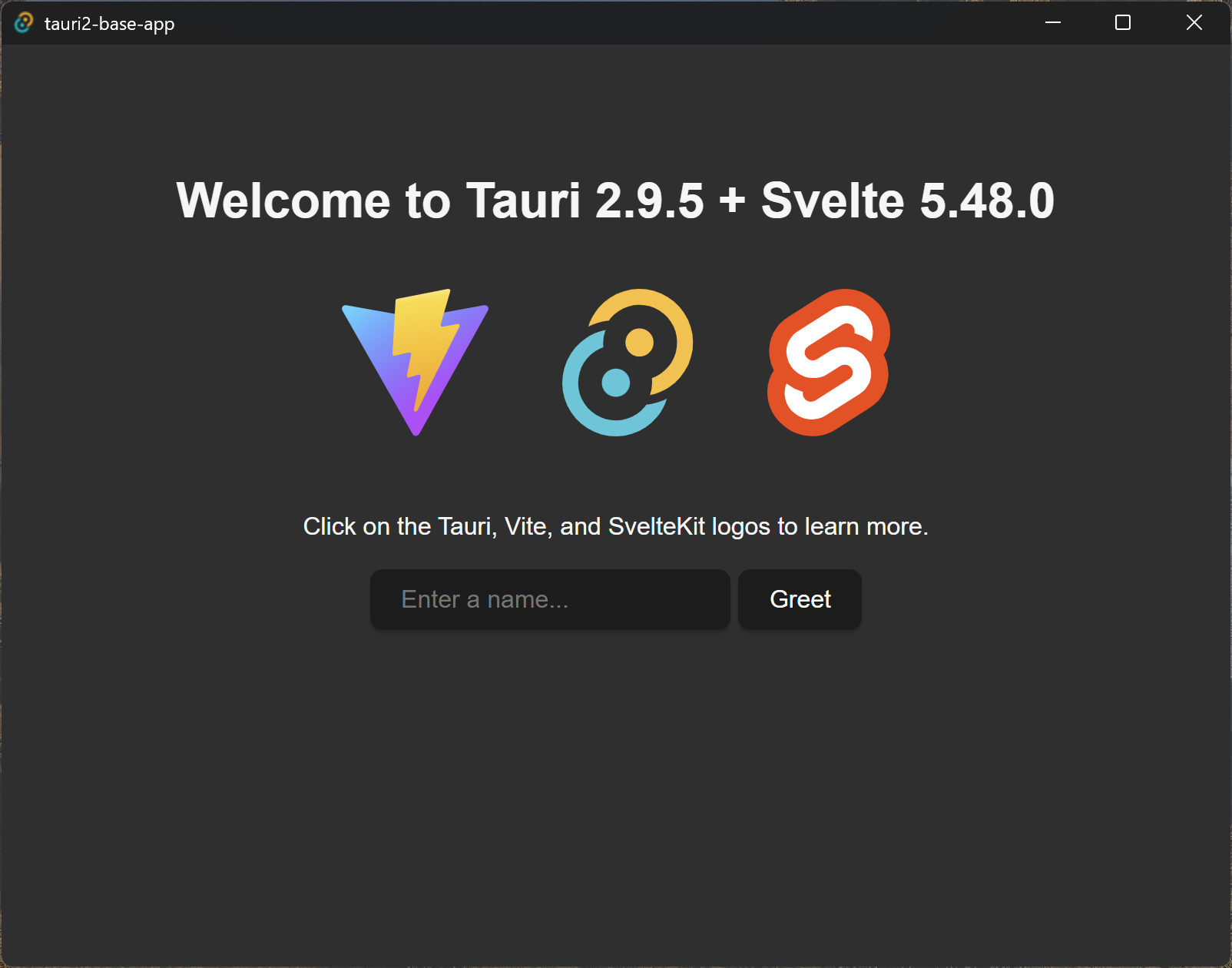
- Windows on Rust 1.93 + Svelte 5.48.0
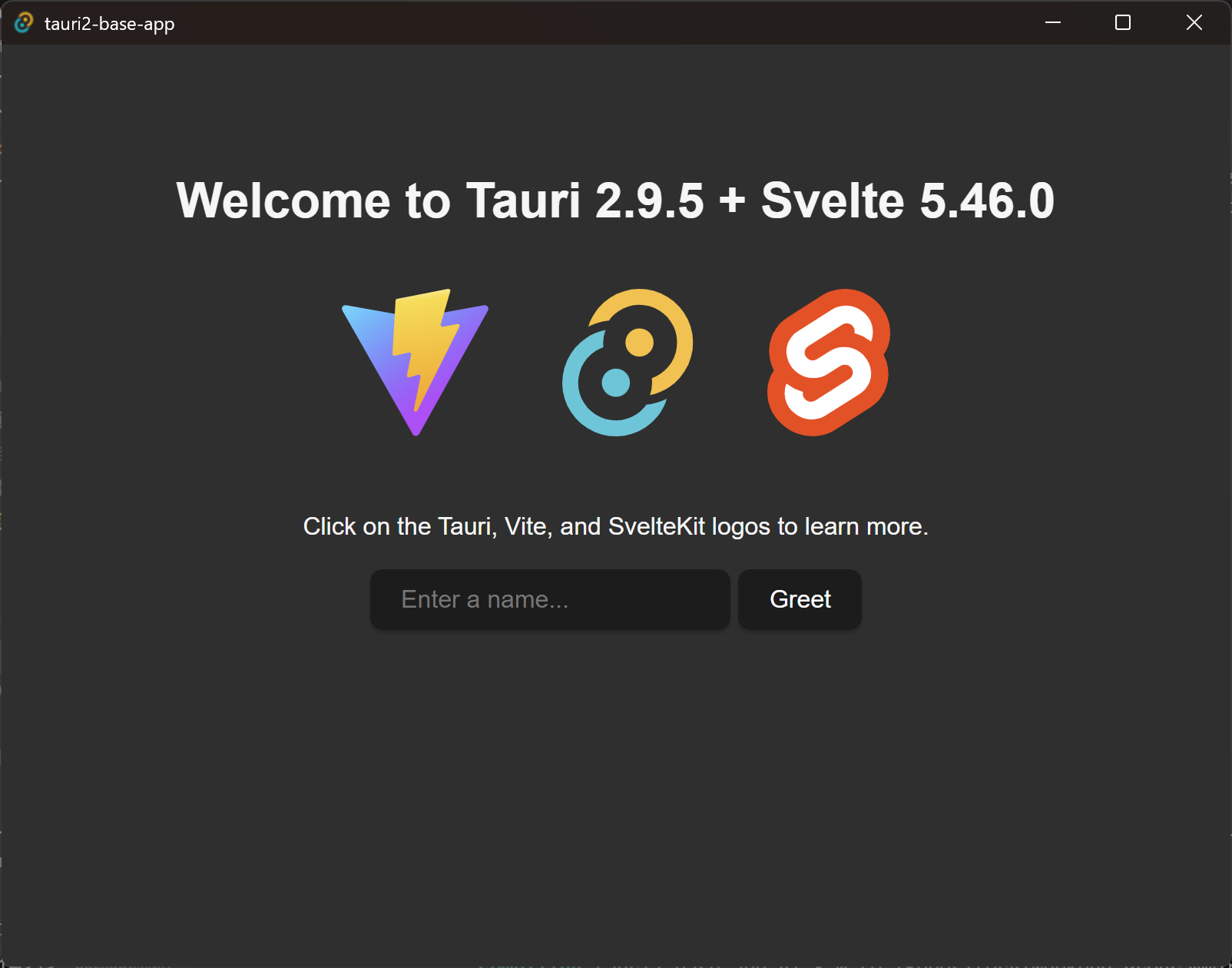
- Windows on Rust 1.92 + Svelte 5.46.0
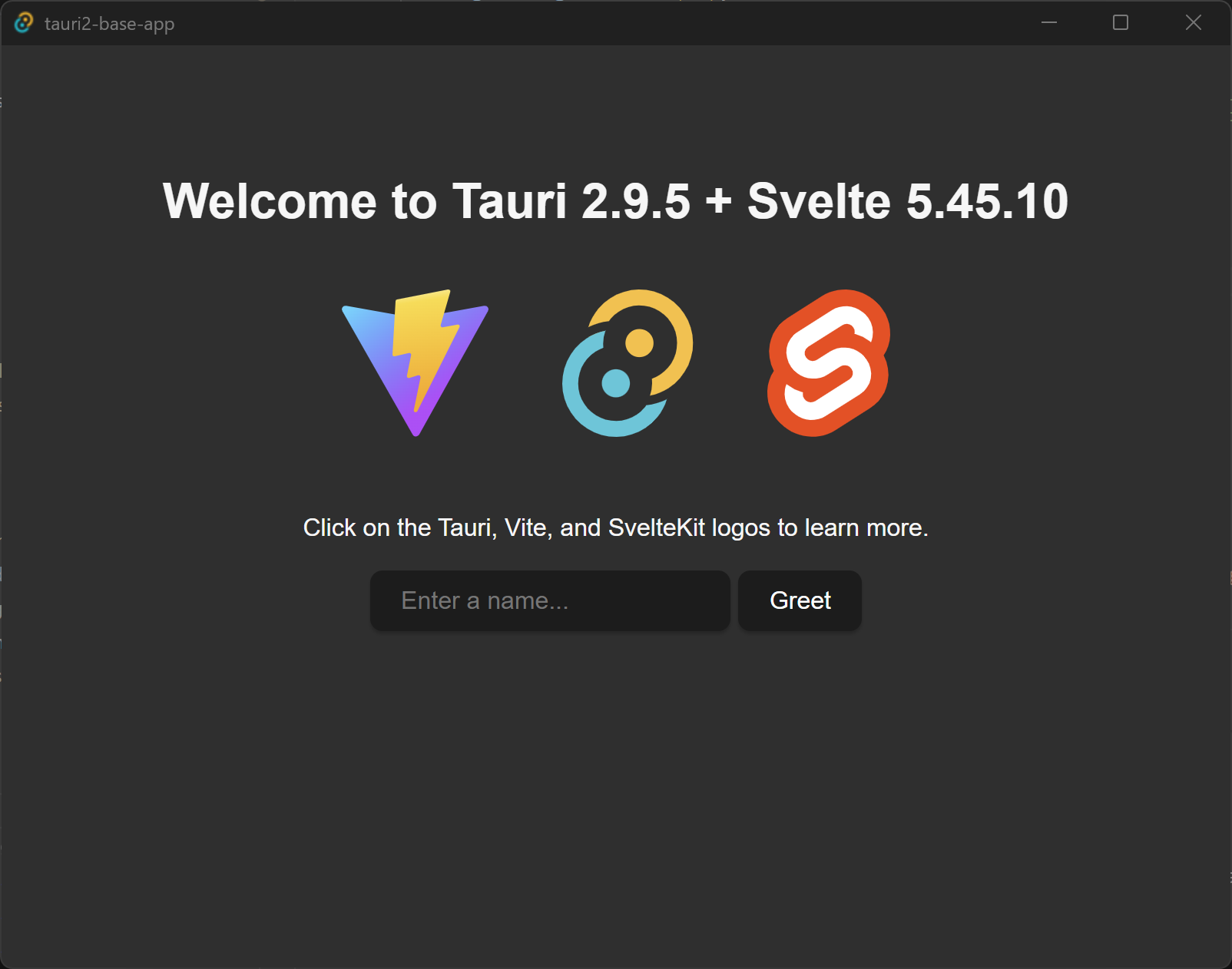
- Windows
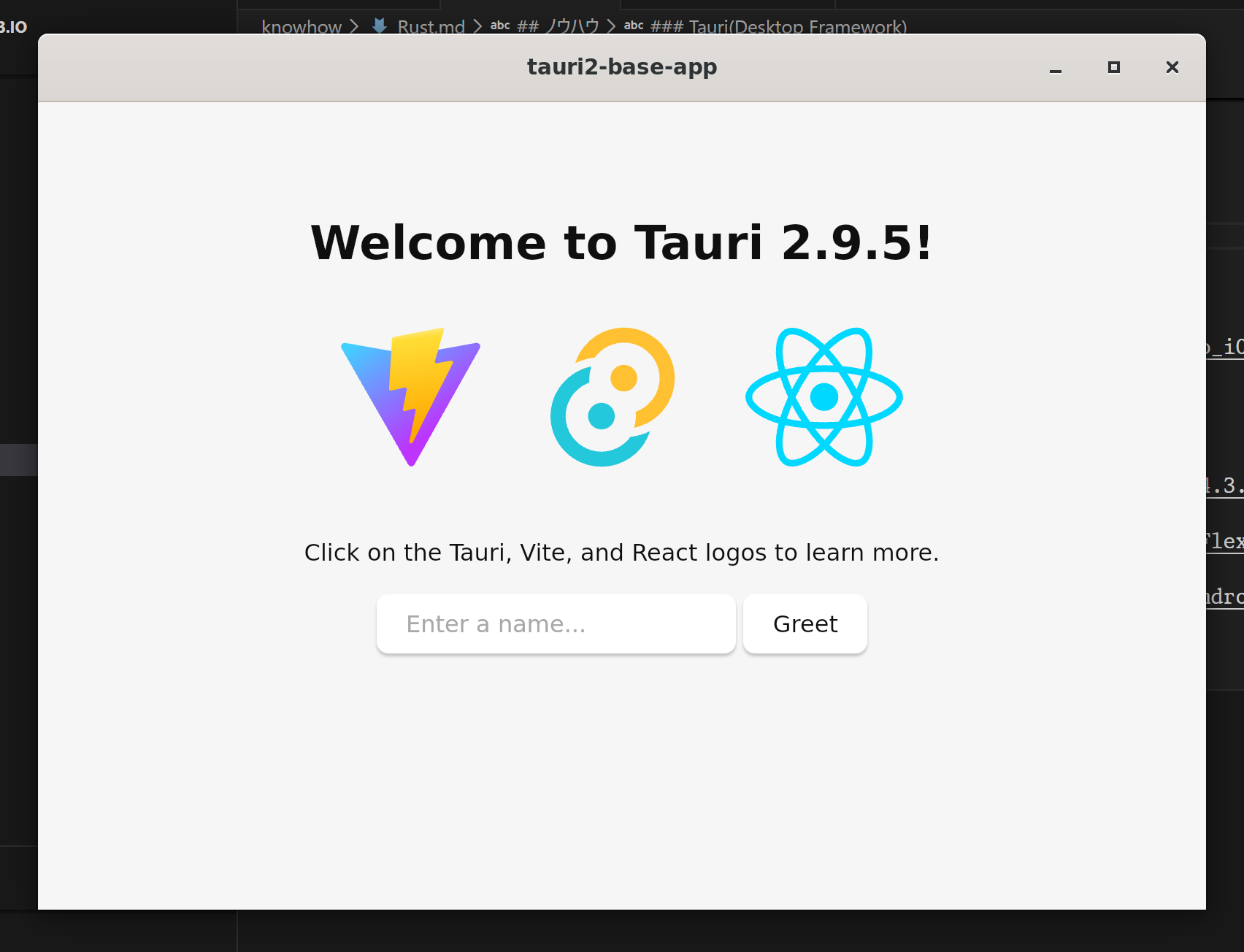
- Ubuntu 24.04.3 on WSL2
- macOS 26.2
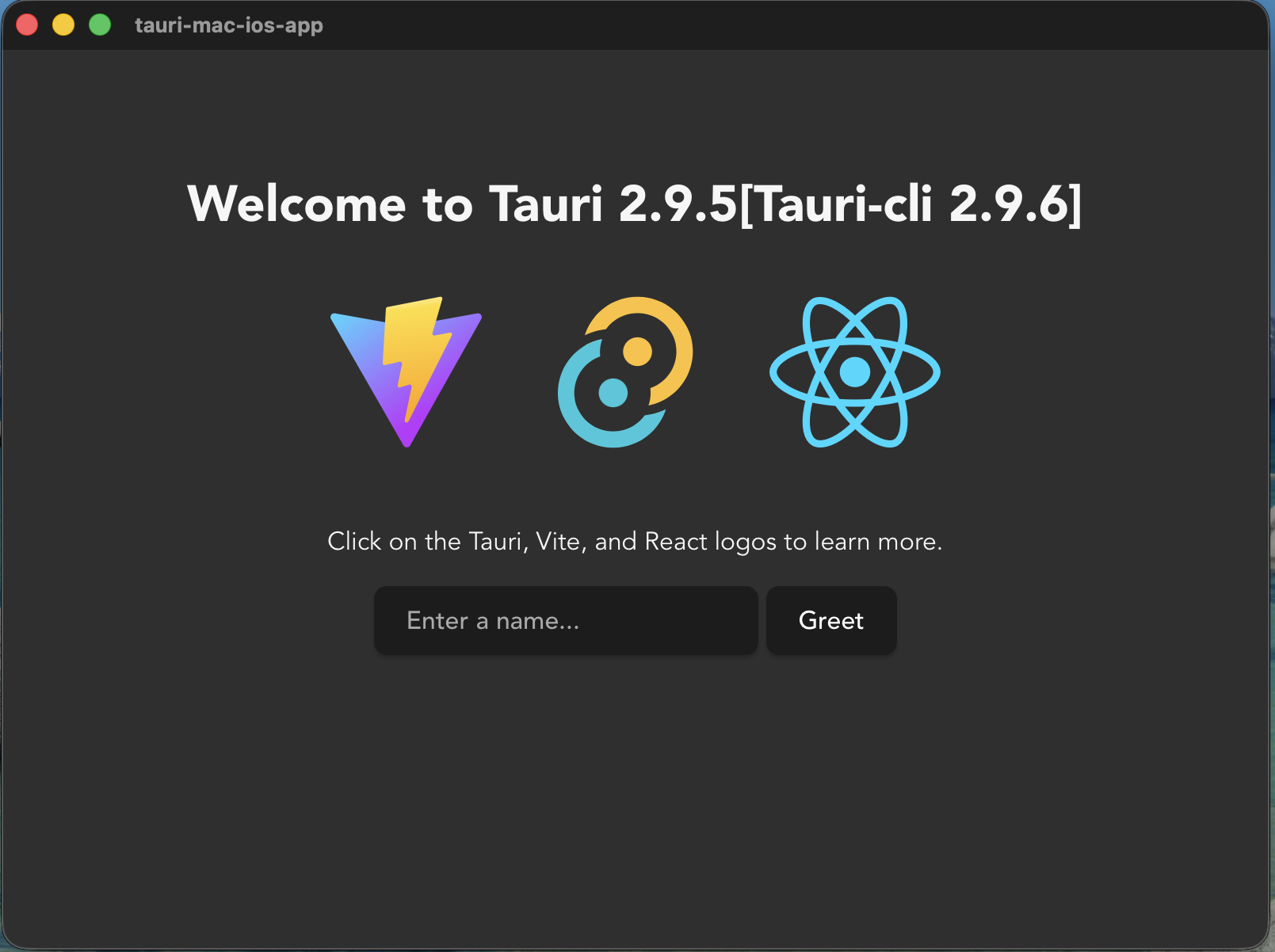
- macOS 26.1
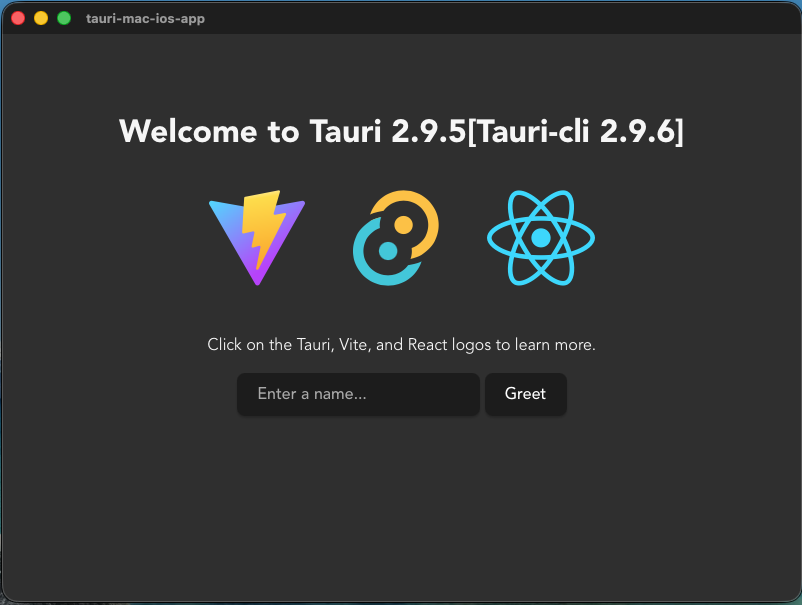
- ChromeOS Flex
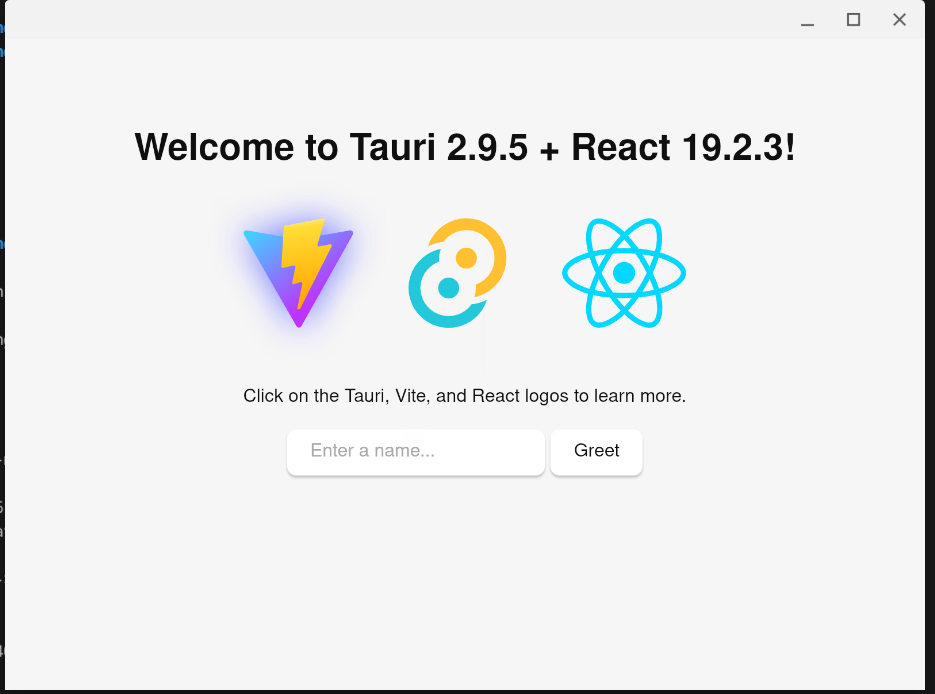
- iOS 26.2 / iPhone 17 Pro
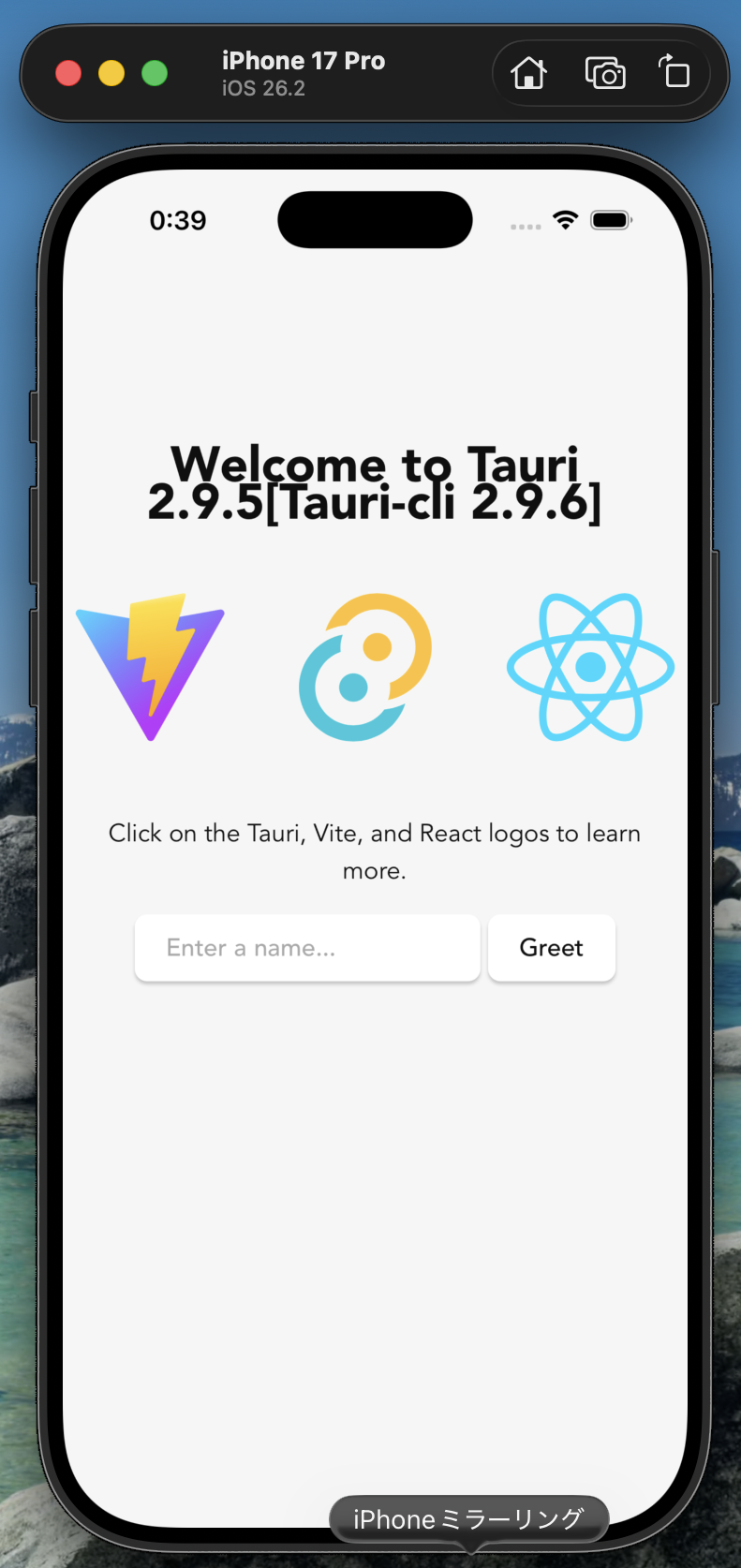
- iOS 26.2 Beta / iPhone 17 Pro
- Android 36.1 / Pixel 9a / Rust 1.93 + React 19.2.3
- Java 25でビルドできないため、Tauriのみ、Java 21にダウングレード
org.gradle.java.home=C:/Program Files/Microsoft/jdk-21.0.8.9-hotspot
- Java 25でビルドできないため、Tauriのみ、Java 21にダウングレード
- Android Canary / Pixel 9a / Rust 1.92 + React 19.2.3
- Android Canary / Pixel 9a / React 19.2.3
- Windows on Rust 1.93 + Svelte 5.48.0
- npm and yarn
- Node.jsインストール
- yarnインストール
npm install yarn -g - スクリプト実行ポリシーの変更
Set-ExecutionPolicy -ExecutionPolicy RemoteSigned -Scope CurrentUser
- セットアップについて
- Windows 11
-
Start a New Tauri Project
npx create-tauri-app -
Install Tauri CLI package as a dev dependency
npm init npm install -D @tauri-apps/cli -
install Tauri CLI as a cargo subcommand
cargo install tauri-cli --locked --version "^1.0.0-rc" -
Install Tauri API Package as a Dependency (optional)
npm install @tauri-apps/api -
Initialize Tauri in Your App
cargo tauri init -
Check tauri info to Make Sure Everything Is Set up Properly
cargo tauri infoEnvironment › OS: Windows 10.0.25393 X64 › Webview2: 114.0.1823.51 › MSVC: › Node.js: 20.0.0 › npm: 9.1.2 › pnpm: Not installed! › yarn: 1.22.19 › rustup: 1.26.0 › rustc: 1.70.0 › cargo: 1.70.0 › Rust toolchain: stable-x86_64-pc-windows-msvc Packages › @tauri-apps/cli [NPM]: 1.0.0-rc.13 › @tauri-apps/api [NPM]: 1.4.0 › tauri [RUST]: 1.4.1, › tauri-build [RUST]: 1.4.0, › tao [RUST]: 0.16.2, › wry [RUST]: 0.24.3, App › build-type: bundle › CSP: unset › distDir: /public › devPath: http://localhost:8083/ › framework: Svelte › bundler: Rollup App directory structure ├─ .vscode ├─ node_modules ├─ public ├─ src └─ src-tauri -
Start Tauri Development Window
cargo tauri dev
-
- Ubuntu 24.04
- Tauri 1.x
- そもそも、libjavascriptcoregtk-4.1ではなく、libjavascriptcoregtk-4.0を必要としているため、対応不可と判断。
- Tauri 2.0
- 不足するライブラリを追加インストールすることで、実行まで確認
sudo apt install libjavascriptcoregtk-4.1*
sudo apt install libsoup-3.0*
sudo apt install libwebkit2gtk-4.1*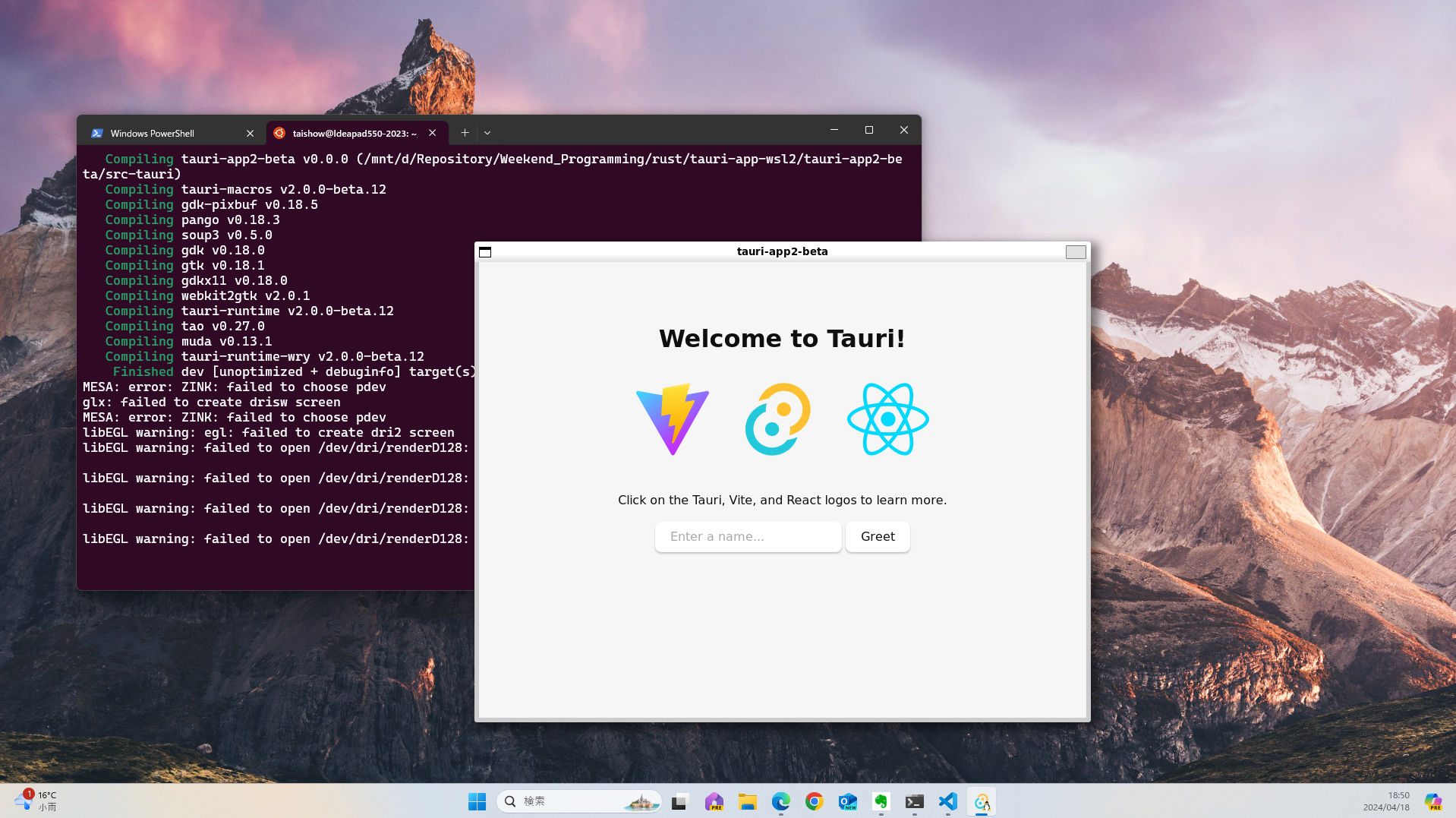
- 不足するライブラリを追加インストールすることで、実行まで確認
- Tauri 1.x
- Ubuntu 22.04
- 必須パッケージインストール
sudo apt -y install build-essential sudo apt -y install libdbus-1-dev sudo apt -y install libssl-dev sudo apt -y install libgtk-3-dev sudo apt -y install libwebkit2gtk-4.0-dev - npmインストール
sudo apt-get install npm -y - nodeインストール
sudo npm install n -g sudo n stable node -v - yarnインストール
sudo npm install yarn -g - create tauri-app
yarn create tauri-app - start tauri-app
cd tauri-app
yarn
yarn tauri dev
- 必須パッケージインストール
- ChromeOS Flex
- npmインストール
sudo apt install npm -y - nodeインストール
sudo npm install n -g
sudo n stable
node -v
- npmインストール
- Build エラー対策
export PKG_CONFIG_PATH="/usr/lib/x86_64-linux-gnu/pkgconfig:/usr/share/pkgconfig"- webkit2gtk-4.0が見つからない
sudo apt install libwebkit2gtk-4.0-dev
- webkit2gtk-4.0が見つからない
- Windows 11
- Tauri環境のアップデートについて
- windows 11 / ChromeOS Flex
% cargo update % npm update - Ubuntu 20.04.5 on Windows 11
% yarn upgrade
- windows 11 / ChromeOS Flex
- 環境情報
- Windows 11
Default host: x86_64-pc-windows-msvc
rustup home:  C:\Users\taish\.rustup

stable-x86_64-pc-windows-msvc (default)
rustc 1.71.0 (8ede3aae2 2023-07-12)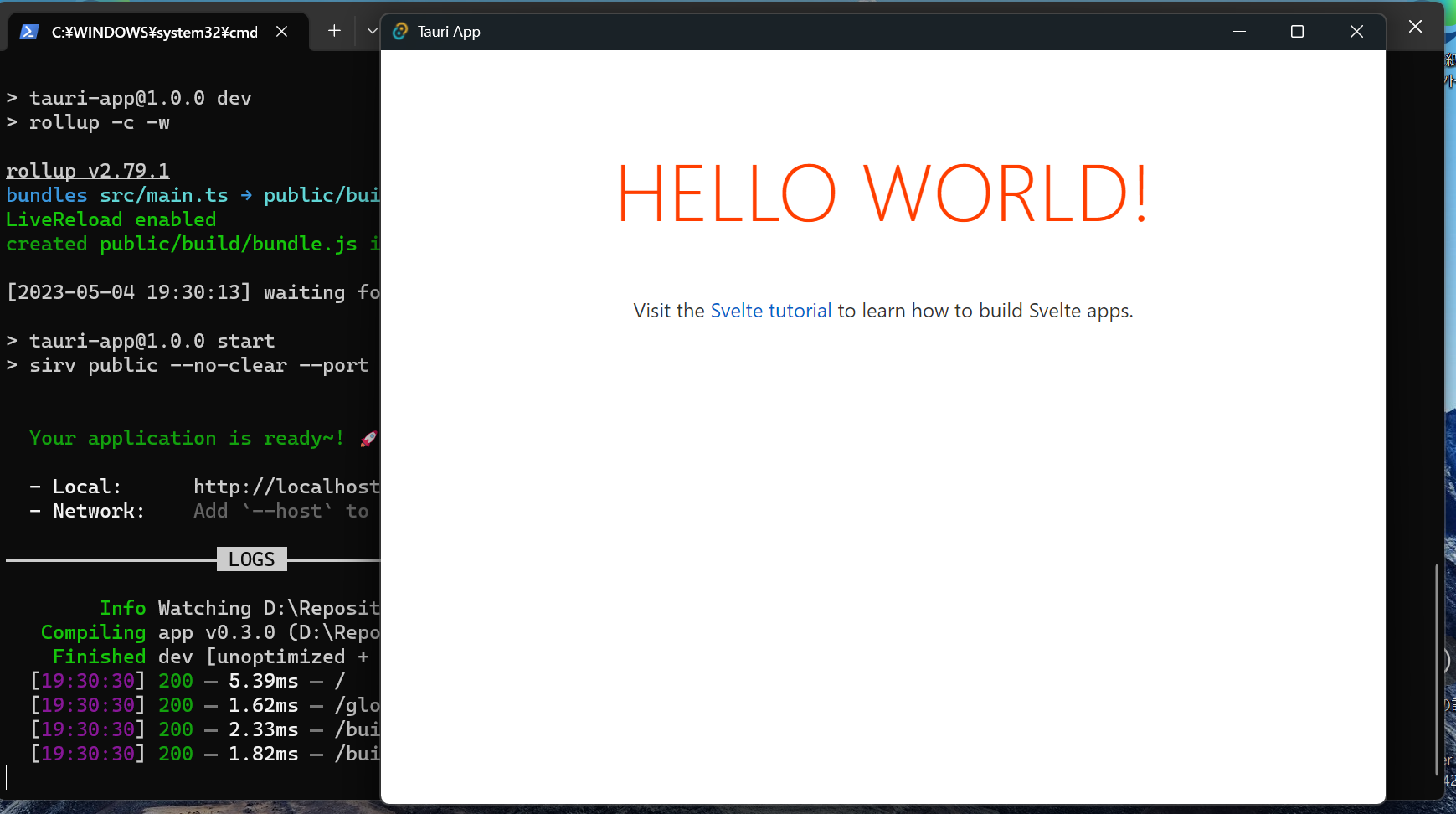
- Mcafeeにウイルスとしてブロックされる
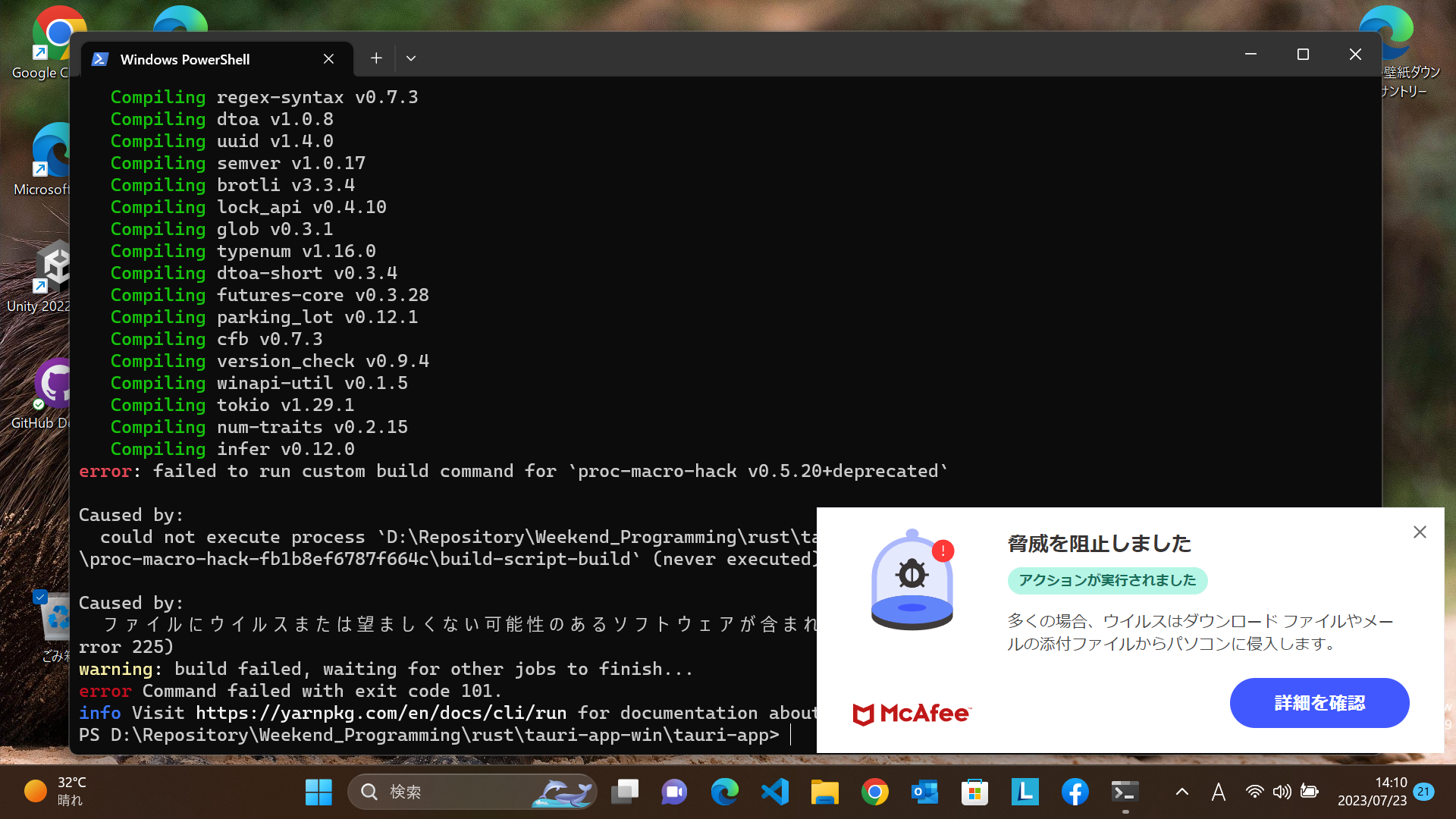
- Mcafeeにウイルスとしてブロックされる
- ubuntu 22.04.2 on Windows 11
Default host: x86_64-unknown-linux-gnu
rustup home:  /home/taishow/.rustup

stable-x86_64-unknown-linux-gnu (default)
rustc 1.71.0 (8ede3aae2 2023-07-12)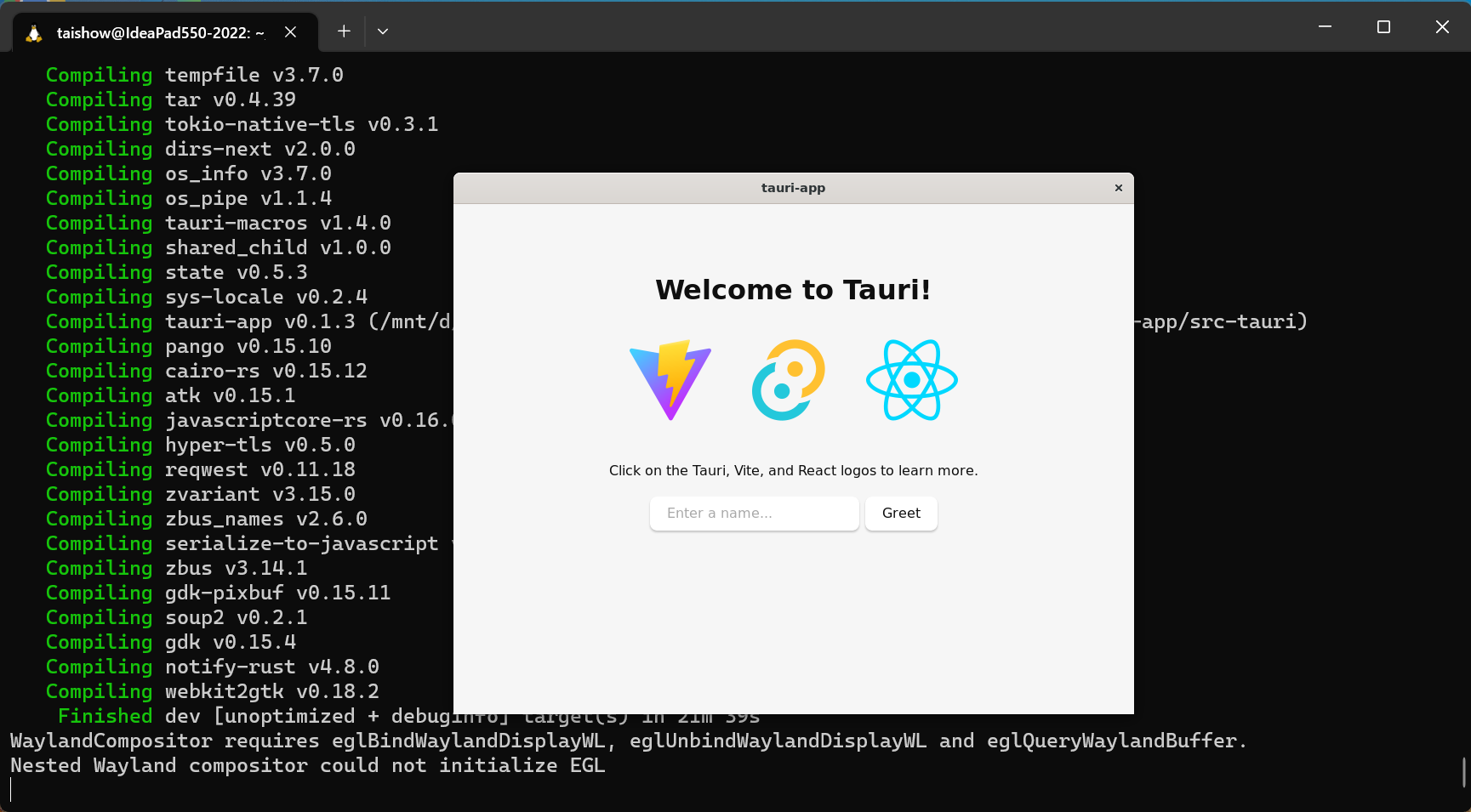
- ChromeOS Flex
- Tauri環境確認
bun tauri info[✔] Environment - OS: Debian 12.0.0 X64 ✔ webkit2gtk-4.0: 2.44.2 ✔ rsvg2: 2.54.7 ✔ rustc: 1.79.0 (129f3b996 2024-06-10) ✔ cargo: 1.79.0 (ffa9cf99a 2024-06-03) ✔ rustup: 1.27.1 (54dd3d00f 2024-04-24) ✔ Rust toolchain: stable-x86_64-unknown-linux-gnu (default) - node: 16.19.0 - npm: 8.19.3 - bun: 1.1.20 [-] Packages - tauri [RUST]: 1.7.1 - tauri-build [RUST]: 1.5.3 - wry [RUST]: 0.24.10 - tao [RUST]: 0.16.8 - @tauri-apps/api [NPM]: 1.6.0 - @tauri-apps/cli [NPM]: 1.6.0 [-] App - build-type: bundle - CSP: unset - distDir: /dist - devPath: http://localhost:1420/ - framework: React - bundler: Vite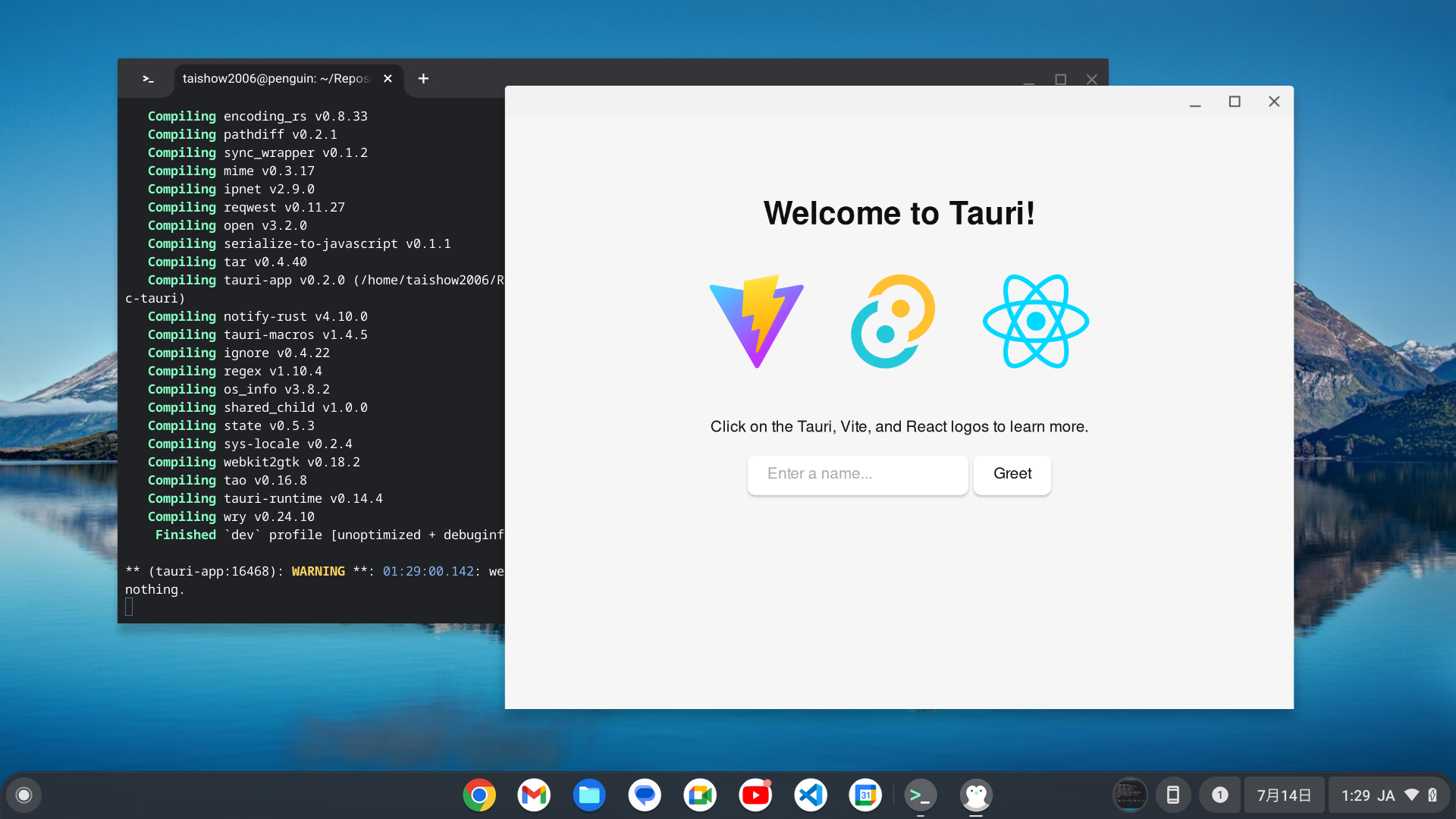
- Tauri環境確認
- Windows 11
- フロントエンドサーバのポート番号変更
"build": { "beforeBuildCommand": "npm run build", "beforeDevCommand": "npm run dev", "devPath": "http://localhost:8083", "distDir": "/public" }, - Visual Studio Codeでのデバッグ
- デスクトップアプリケーションの参考情報
- LifeLogApp
Slint
- Install cargo-generate
cargo install cargo-generate - Set up with the template
cargo generate --git https://github.com/slint-ui/slint-rust-template --name my-project - Run with Material 3
- Slint 1.13.1
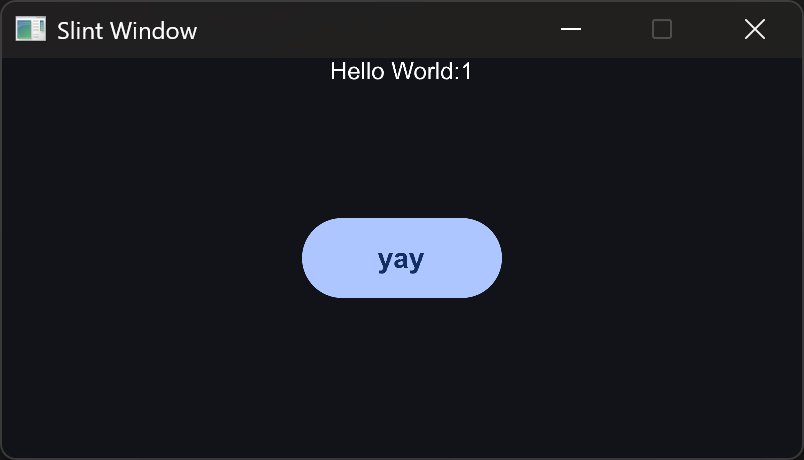
- Slint 1.13.1
Dioxus(Cross Platform Library)
- Fullstack, crossplatform, lightning fast, fully typed.
- V0.7.6 / V0.7.3 / V0.7.2 / V0.7.0
cargo install dioxus-cli --locked --bins - V0.7.0-rc.3
cargo install dioxus-cli --version 0.7.0-rc.3 --locked --bins - V0.7.0-rc.2
cargo install dioxus-cli --version 0.7.0-rc.2 --locked --bins - V0.7.0-rc.0
cargo install dioxus-cli --version 0.7.0-rc.0 --locked --bins - V0.6.1
cargo install dioxus-cli --version 0.6.1 --force- dioxus-cliを更新する際、Cmakeが見つからないらしく、cmakeの配置先をPATHに追加
C:\Program Files\Microsoft Visual Studio\2022\Community\Common7\IDE\CommonExtensions\Microsoft\CMake\CMake\bin- tauriなどで問題とならないため、dioxusの問題という認識
- WASMのフォーマットが異なるらしく、wasm-bidgen を 0.2.92 -> 0.2.99に更新
cargo install -f wasm-bindgen-cli --version 0.2.99 - サーバ起動
dx serve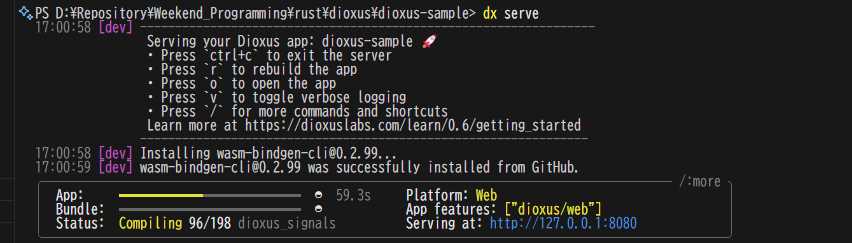
- dioxus-cliを更新する際、Cmakeが見つからないらしく、cmakeの配置先をPATHに追加
- CLIツール
cargo install dioxus-cli --force - wasm32-unknown-unknown(WebAssemblyのビルドターゲット)有効化
rustup target add wasm32-unknown-unknown - 実行
dx serve - 課題整理 researching from 2024/04/30
Game Engine
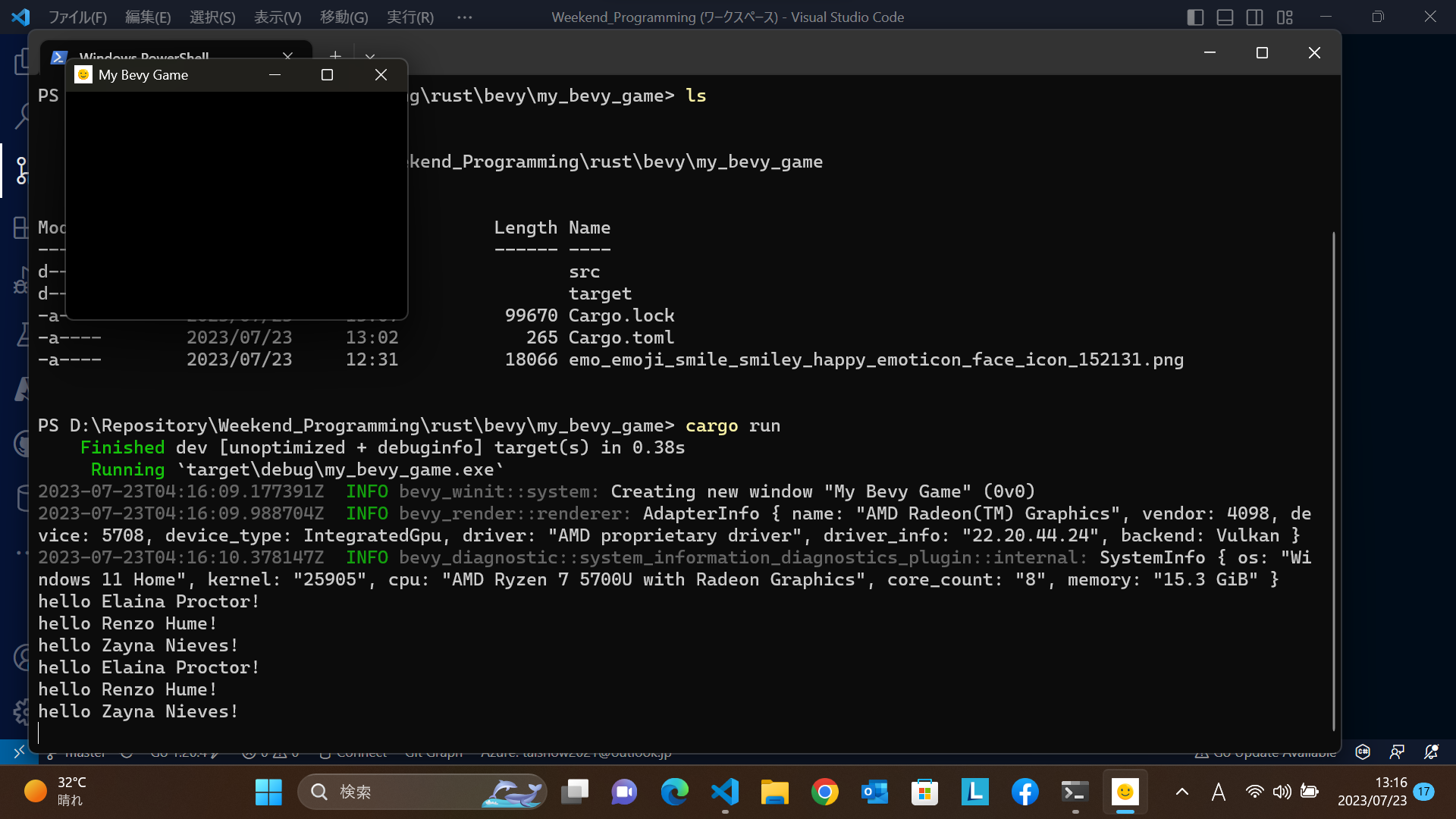
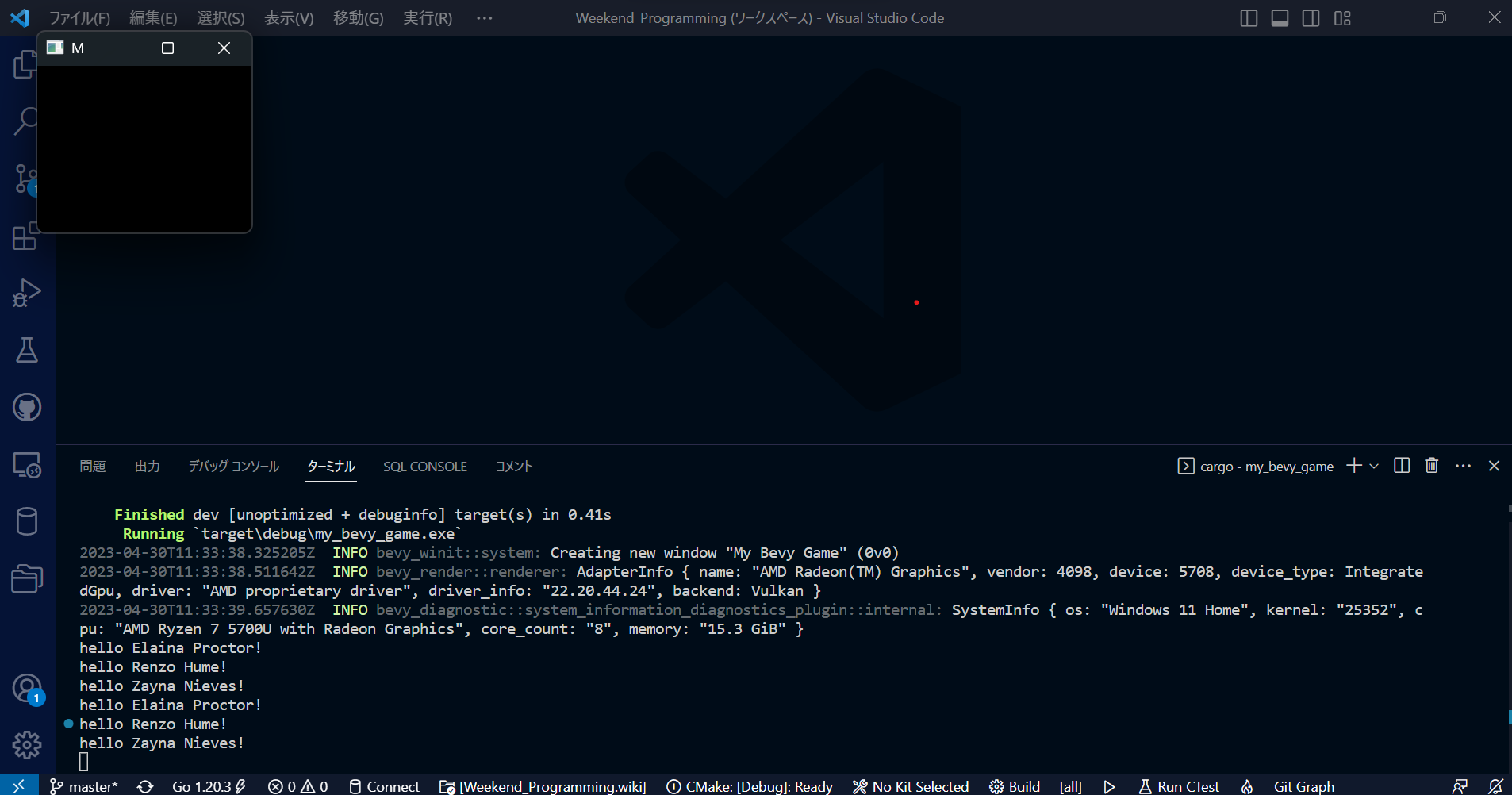
- Bevy
- Bevy 0.13
- Bevy 0.12.1
- winitクレートが0.29以降nightly buildのrustでビルドされているためか、0.29.9に更新すると、ビルドできなくなるため、現状、0.28.7でビルド確認している。
error[E0308]: mismatched types
- winitクレートが0.29以降nightly buildのrustでビルドされているためか、0.29.9に更新すると、ビルドできなくなるため、現状、0.28.7でビルド確認している。
- Bevy 0.11
- Bevy 0.10.1
- Window Size
- Icon
- スマイル
- Add image crate
cargo add image - Can not set the icon to Windows desktop app
- Rust: How to add a window icon in Bevy?
- WSL2 and Ubuntu
- Installing Linux dependencies
sudo apt-get install g++ pkg-config libx11-dev libasound2-dev libudev-dev - alsa-sys
sudo apt-get install -y -qq libasound2-dev libssl-dev libpulse-dev libdbus-1-dev portaudio19-dev - Failed to run custom build command for ‘libudev-sys’
sudo apt install libudev*
- Installing Linux dependencies
- Fyrox
Tauri Documents
Splashscreen
Webページが読み込みに時間がかかったり、メインウィンドウを表示する前に初期処理を実行する必要がある場合、スプラッシュスクリーンによって、ユーザの起動体験を改善できる。
Setup
まず、実行環境のディレクトリにsplashscreen.html(スプラッシュスクリーンのためのHTMLコード)を作る。
"windows": [
    {
        "title": "Tauri App",
        "width": 800,
        "height": 600,
        "resizable": true,
        "fullscreen": false,
    +   "visible": false // Hide the main window by default
    },
    // Add the splashscreen window
    + {
    +   "width": 400,
    +   "height": 200,
    +   "decorations": false,
    +   "url": "splashscreen.html",
    +   "label": "splashscreen"
    + }
]
さて、アプリケーション起動時には、メインウィンドウを非表示にして、スプラッシュスクリーンを表示するようにします。続けて、メインウィンドウが準備できたら、スプラッシュスクリーンを閉じる手段を準備する必要があります。何を待っているかによって、スプラッシュスクリーンを閉じる手段は決まる。
Waiting for Webpage
Webコンテンツを待っているのであれば、フロントエンドからスプラッシュスクリーンを閉じるコマンドを準備したいでしょう。
use tauri::Manager;
// Create the command:
// This command must be async so that it doesn't run on the main thread.
#[tauri::command]
async fn close_splashscreen(window: tauri::Window) {
  // Close splashscreen
  if let Some(splashscreen) = window.get_window("splashscreen") {
    splashscreen.close().unwrap();
  }
  // Show main window
  window.get_window("main").unwrap().show().unwrap();
}

// Register the command:
fn main() {
  tauri::Builder::default()
    // Add this line
    .invoke_handler(tauri::generate_handler![close_splashscreen])
    .run(tauri::generate_context!())
    .expect("failed to run app");
}
2つの方法のうち、いずれかでプロジェクトへインポートできる。
// With the Tauri API npm package:
import { invoke } from '@tauri-apps/api/tauri'
または
// With the Tauri global script:
const invoke = window.__TAURI__.invoke
最後にイベントリスナに追加する。(または閉じたいときにinvokeを使って呼び出すだけです):)
document.addEventListener('DOMContentLoaded', () => {
  // This will wait for the window to load, but you could
  // run this function on whatever trigger you want
  invoke('close_splashscreen')
})
Waiting for Rust
サーバサイドでのRustコードの実行を待っているのであれば、setup関数ハンドラに置いて、Appインスタンスからアクセスできるようにする。
use tauri::Manager;
fn main() {
  tauri::Builder::default()
    .setup(|app| {
      let splashscreen_window = app.get_window("splashscreen").unwrap();
      let main_window = app.get_window("main").unwrap();
      // we perform the initialization code on a new task so the app doesn't freeze
      tauri::async_runtime::spawn(async move {
        // initialize your app here instead of sleeping :)
        println!("Initializing...");
        std::thread::sleep(std::time::Duration::from_secs(2));
        println!("Done initializing.");

        // After it's done, close the splashscreen and display the main window
        splashscreen_window.close().unwrap();
        main_window.show().unwrap();
      });
      Ok(())
    })
    .run(tauri::generate_context!())
    .expect("failed to run app");
}