Tools
OS/言語を問わず利用するツールの情報
共通
エディタ
- Visual Studio Code March 2026(1.113.0) «2026/03/26 updated from 1.112.0»
Atomをベースに開発された業界標準エディタ(Electonで実装)- 更新モジュールの存在を伝えるメッセージが出るようになった

- ChromeOS Flex
- X11で起動するため、ショートカットを変更する
sudo sed -i 's|Exec=/usr/share/code/code|Exec=/usr/share/code/code --ozone-platform=x11|g' /usr/share/applications/code.desktop- こうすることでウィンドウが描画でき、日本語入力も問題なくできる
- X11で起動するため、ショートカットを変更する
- 以前の新機能
- 開発環境は、Visual Studio Codeを中心に使っている。
- インストールしている拡張機能の一覧は、VSCode拡張機能にまとめている。
- 更新モジュールの存在を伝えるメッセージが出るようになった
- AntiGravity 1.21.6 «2026/03/28 updated from 1.20.6»
GoogleによるAIエディタ(Visual Studio Codeクローン)- セットアップ
- for ChromeOS Flex / Linux(Debian/Ubuntu)
- AntiGravity 1.21.6 «2026/03/28 updated from 1.20.4 »
- Add the repository to sources.list.d
sudo mkdir -p /etc/apt/keyrings curl -fsSL https://us-central1-apt.pkg.dev/doc/repo-signing-key.gpg | \ sudo gpg --dearmor --yes -o /etc/apt/keyrings/antigravity-repo-key.gpg echo "deb [signed-by=/etc/apt/keyrings/antigravity-repo-key.gpg] https://us-central1-apt.pkg.dev/projects/antigravity-auto-updater-dev/ antigravity-debian main" | \ sudo tee /etc/apt/sources.list.d/antigravity.list > /dev/null - Update the package cache
sudo apt update - Install the package
sudo apt install antigravity
- Add the repository to sources.list.d
- AntiGravity 1.21.6 «2026/03/28 updated from 1.20.4 »
- 日本語化
- 拡張機能からMicrosoftが提供するLanguage Packをインストールする
- 更新
- Visual Studio Codeのクローンですけど!
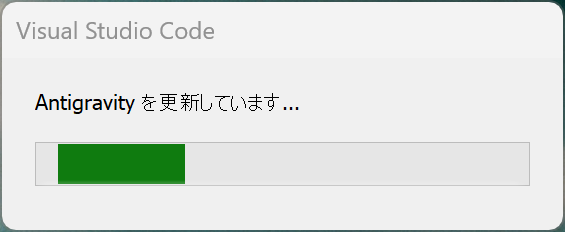
- Visual Studio Codeのクローンですけど!
- 不具合報告
- セットアップ
- Zed
Atom開発者によるエディタ(Rustで実装)- Windows
- Zed 0.229.0 «2026/03/28 updated from 0.228.0»
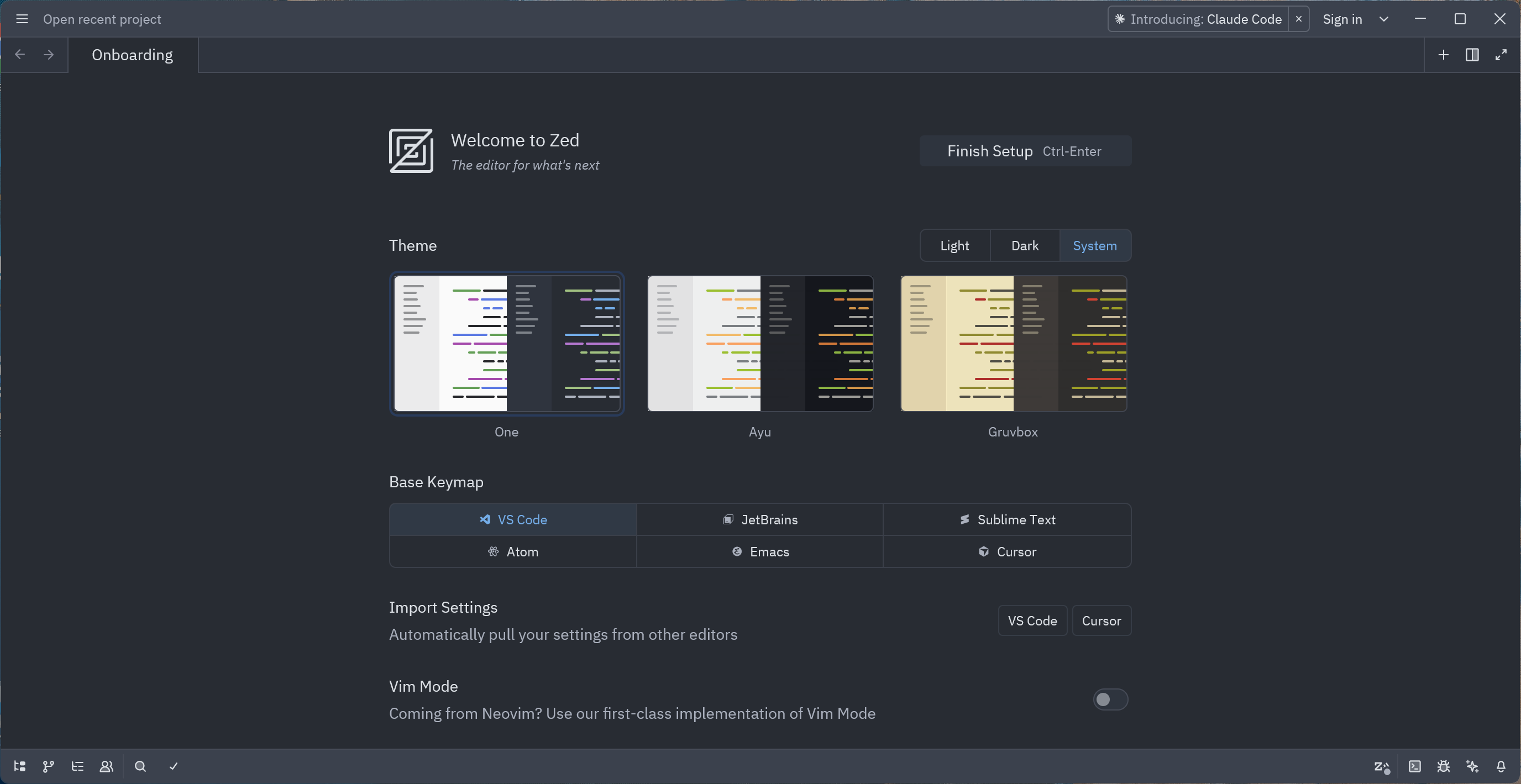
- Zed 0.229.0 «2026/03/28 updated from 0.228.0»
- macOS
- Zed 0.229.0 «2026/03/26 updated from 0.227.1»
- Windows
- Cursor 2.6.22 «2026/03/29 updated from 2.6.21»
元祖AIエディタ(Visual Studio Codeクローン)
- Codex
- Windows
- Codex 26.325.21211«2026/03/28 auto updated from 26.313.41514»
- 新機能
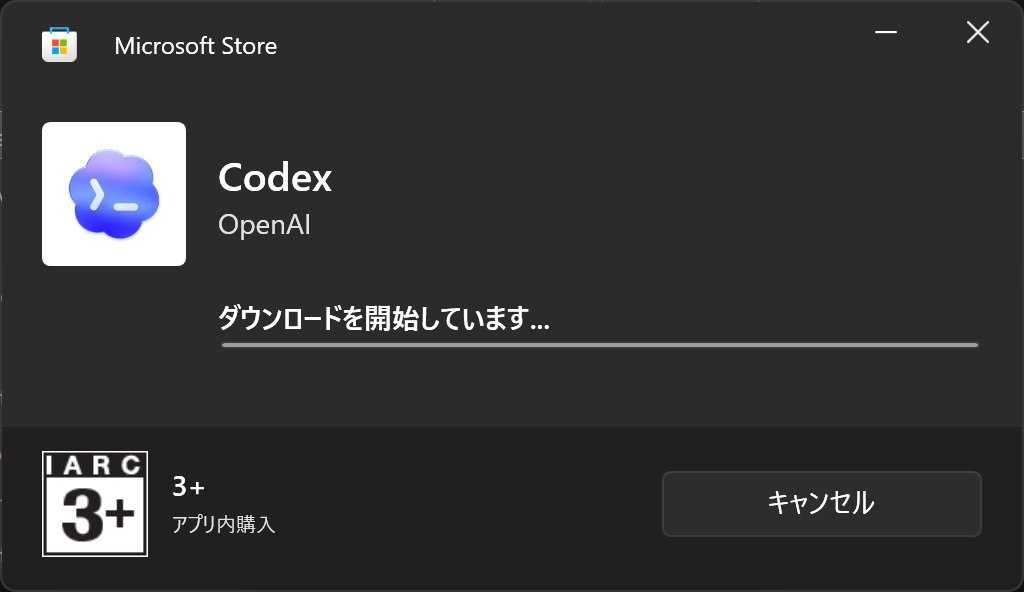
- ダウンローダをダウンロードして、ストアから本体をダウンロード
- 起動後、OpenAIにサインイン
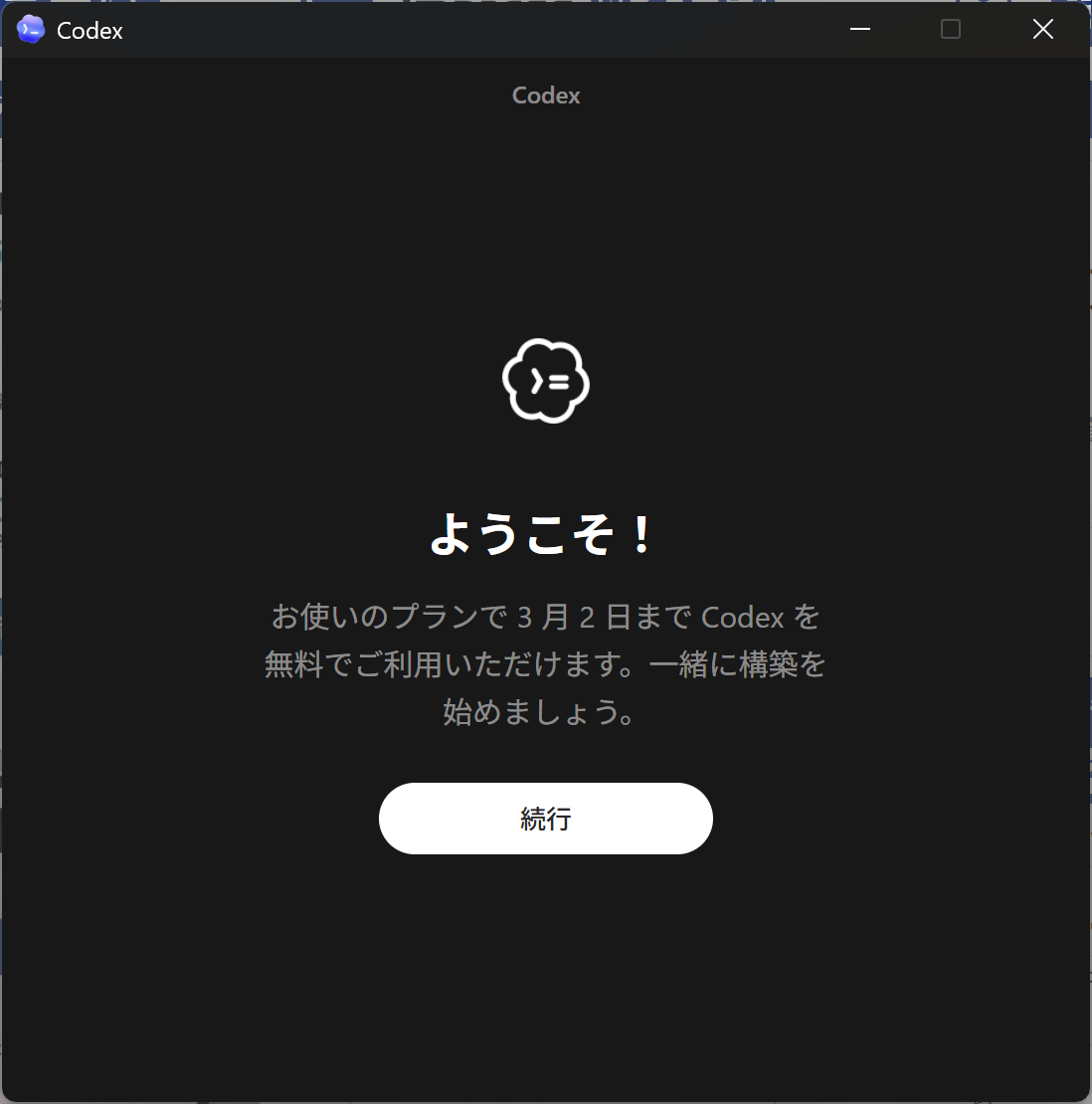
- 3/5に3/2までご利用いただけますって!?
- 新機能
- Codex 26.325.21211«2026/03/28 auto updated from 26.313.41514»
- macOS
- Codex 26.325.31654«2026/03/28 updated from 26.325.21211»
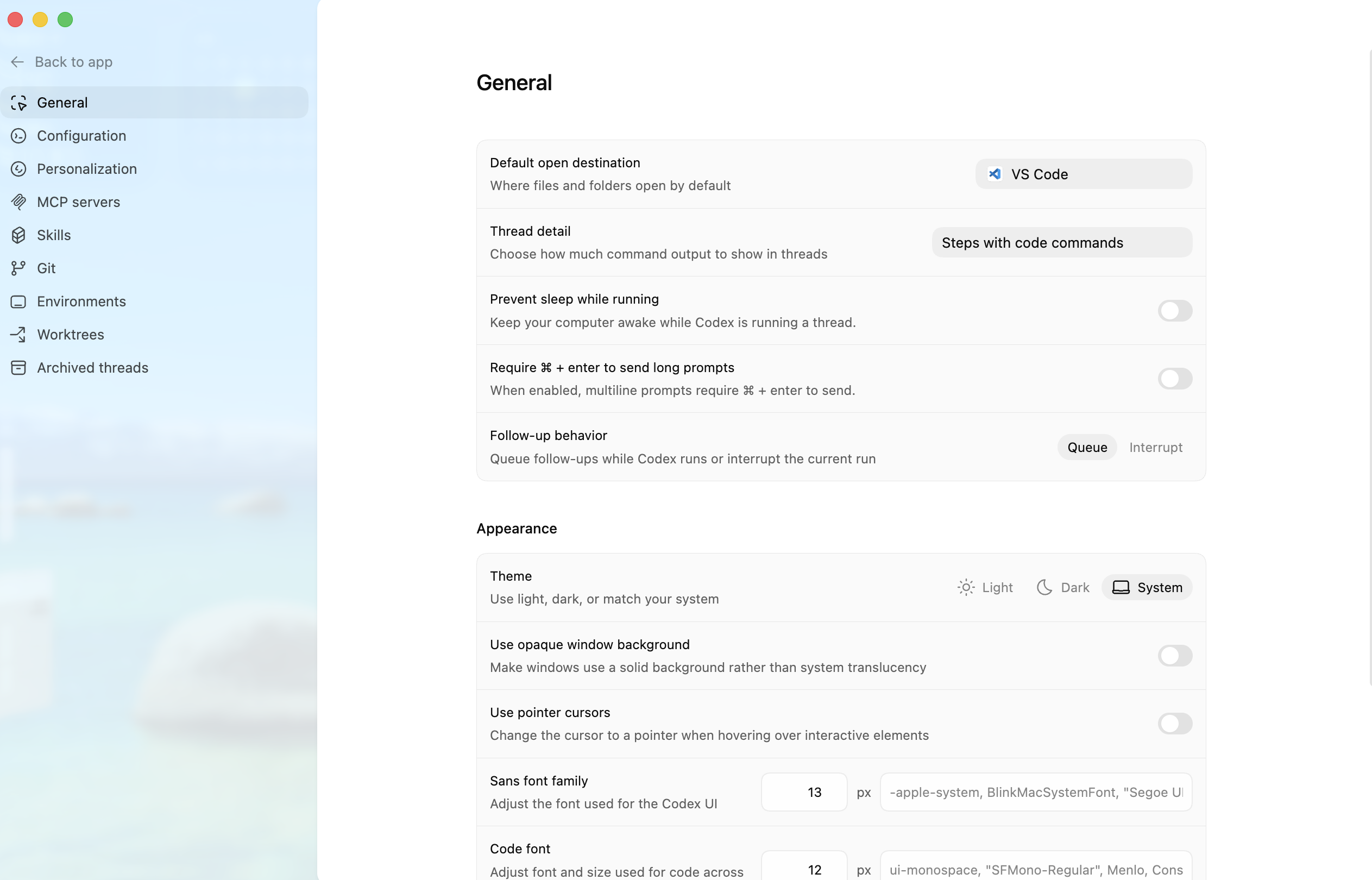
- Codex 26.325.31654«2026/03/28 updated from 26.325.21211»
- Windows
その他
-
proto 0.53.1 «2025/10/05 installed»
- インストール
- Windows
irm https://moonrepo.dev/install/proto.ps1 | iex
- Windows
- ツールのインストール
- Pkl 0.29.1 «2025/10/05 installed»
proto plugin add pkl https://raw.githubusercontent.com/milesj/proto-plugins/refs/heads/master/pkl.toml
proto install pkl --pin
- Pkl 0.29.1 «2025/10/05 installed»
- インストール
Windows
- PowerShell 7.5.3«2025/09/12 auto updated from 7.5.2»
- インストール
winget install --id Microsoft.Powershell --source winget - 更新
- 製品版では、ストアアプリとして自動更新される
2025/1/25 ストアアプリにて更新できないため、PowerShellの起動時に出るアップデートを通知するメッセージ内のリンクからダウンロード - Windows Insider 環境では、ストアで更新できない。
- Windowsターミナルに表示されたリンクからインストーラをダウンロードする

- インストーラを起動して、セットアップする
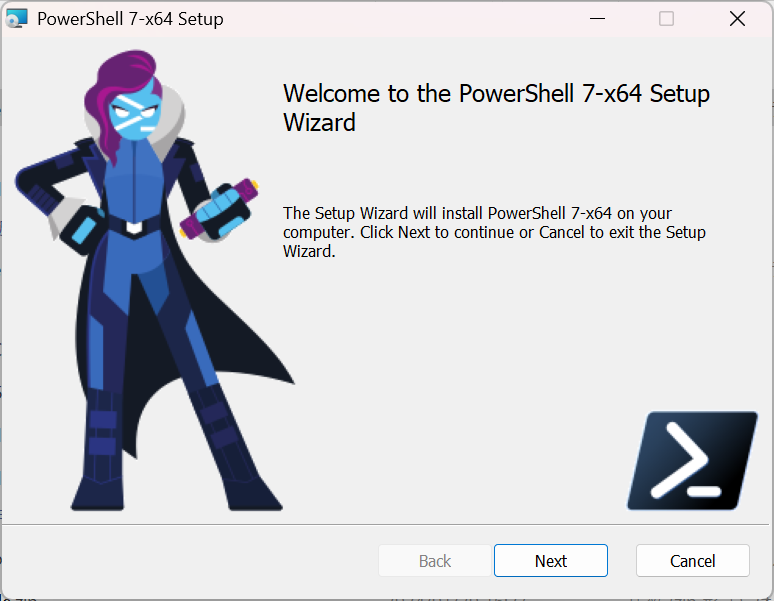
- Windowsターミナルに表示されたリンクからインストーラをダウンロードする
- 製品版では、ストアアプリとして自動更新される
- 環境変数の確認
$env:Path.Split(";") - 一覧を時間順で出力
- 昇順
Get-ChildItem . | Sort-Object LastWriteTime - 降順
Get-ChildItem . | Sort-Object LastWriteTime -Descending
- 昇順
- 文字エンコードについて
- PowerShell上でUTF-8(BOMなし)に変更する
$PSDefaultParameterValues['Out-File:Encoding'] = 'utf8'
- PowerShell上でUTF-8(BOMなし)に変更する
- インストール
- GitHub Desktop 3.5.0 «2025/06/18 updated from 3.4.16»
- サイトでのリリース通知があってから、アップデートできるまでにはタイムラグがありそう
- 起動したGitHub Desktopでアップデートできる場合とできない場合があるみたい
- 3.4.5 -> 3.4.6 OK
- 3.4.0 -> 3.4.5 OK
- 3.4.2 -> 3.4.5 NG
- GitHub CLI 2.85 «2026/01/24 Installed»
- インストール@Windows
winget install --id GitHub.cli - インストール@macOS
brew install gh
- インストール@Windows
-
Claude Desktop 1.1.1520 «2026/01/30 Auto Updated from 1.0.2339 »
- mise 2026.1.6 «2026/01/24 installed »
- インストール
winget install jdx.mise - 更新
mise self-update - ツールの更新
- bun upgrade
mise use -g bun@latest
- bun upgrade
- インストール
macOS
- Xcode
- Xcode 26.4 «2026/03/28 Updated from 26.3»
- iOS Simulatorの更新
- 追加した直後は検証される
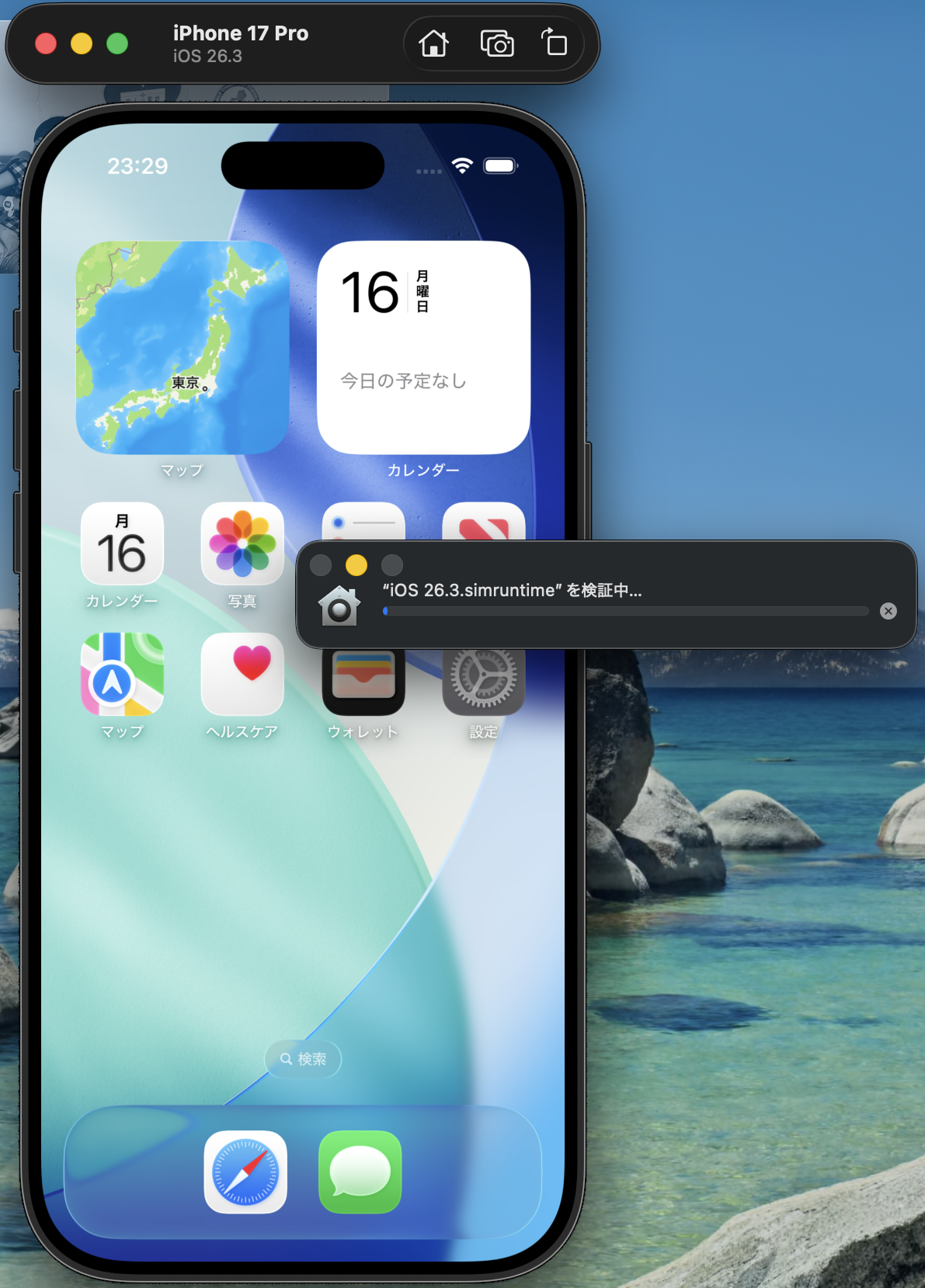
- Xcodeを使用してiOS simulatorを追加する方法
- XCodeで新しいバージョンをダウンロードする
- XCodeで古いバージョンは削除し、単一のバージョンのみとすること(複数存在するとシミュレータでの実行時にエラーとなる模様)


- 追加した直後は検証される
- 履歴
- Xcode 26.3 «2026/02/28 Updated from 26.2»
- Xcode 26.2 «2025/12/17 Updated from 26.2 Beta»
- Xcode 26.2 Beta «2025/11/08 Updated from 26.1»
- Xcode 26.1 «2025/11/08 Updated from 26.1 RC»
- Xcode 26.1 RC «2025/10/31 Updated from 26»
- Xcode 26 «2025/09/16 Updated from 26 Beta 7»
- Xcode 26 Beta 7 «2025/09/05 Updated from 26 Beta 6»
- Xcode 16.4 «2025/05/31 Updated from 16.3»
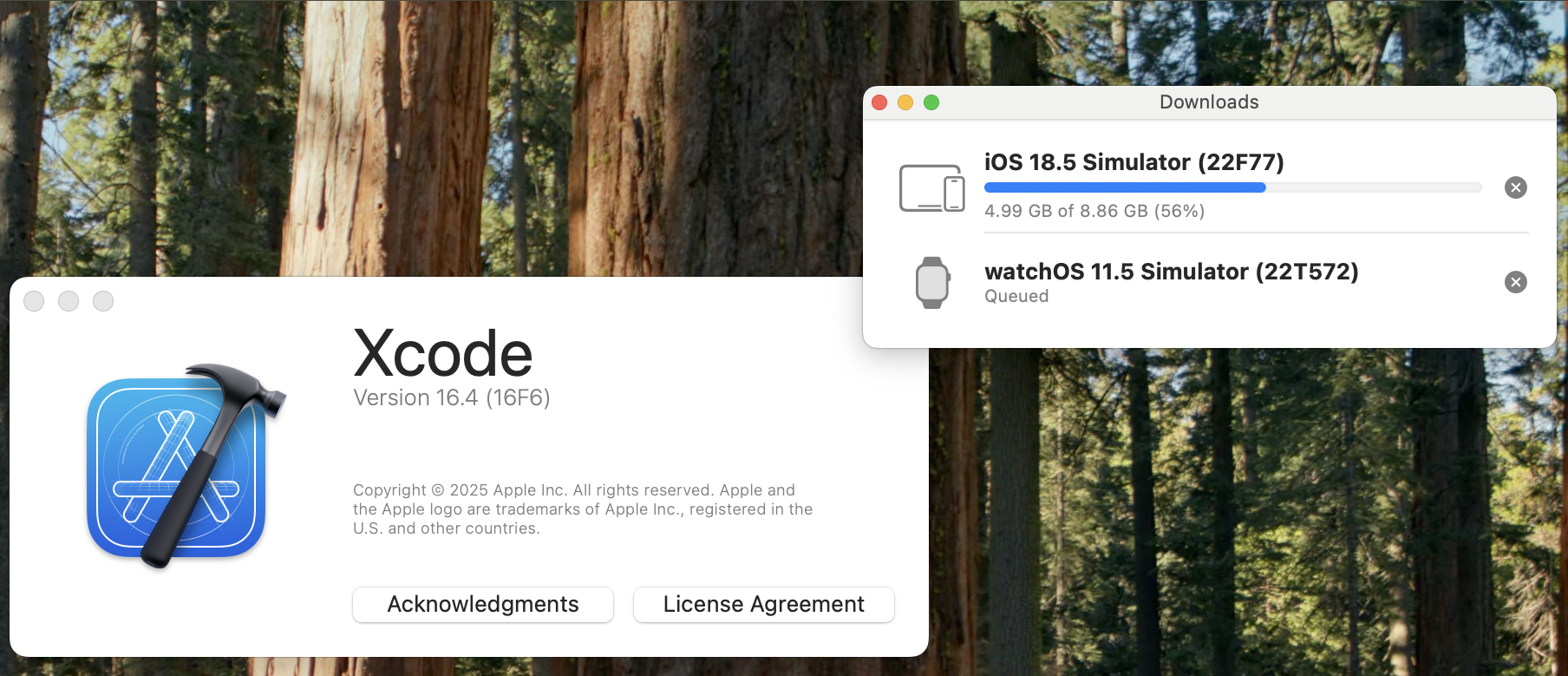
- Homebrew 5.0.5 «2025/12/09 Updated»
- CocoaPods 1.16.2_2 «2026/02/01 Updated from 1.16.2_1»
- Homebrew / CocoaPodsのインストール
/bin/bash -c "$(curl -fsSL https://raw.githubusercontent.com/Homebrew/install/HEAD/install.sh)"brew install cocoapods - バージョンを確認する
pod --version - 最新に更新する(CocoaPods/Ruby/Git)
brew update
brew upgrade
- Homebrew / CocoaPodsのインストール
- watchman
react native + expoでの実行エラーで watchmanに繋がらないみたいなエラーが出るので、インストールbrew install watchman - GIMP 3.0 «2025/03/18 updated from 3.0.0 RC1»